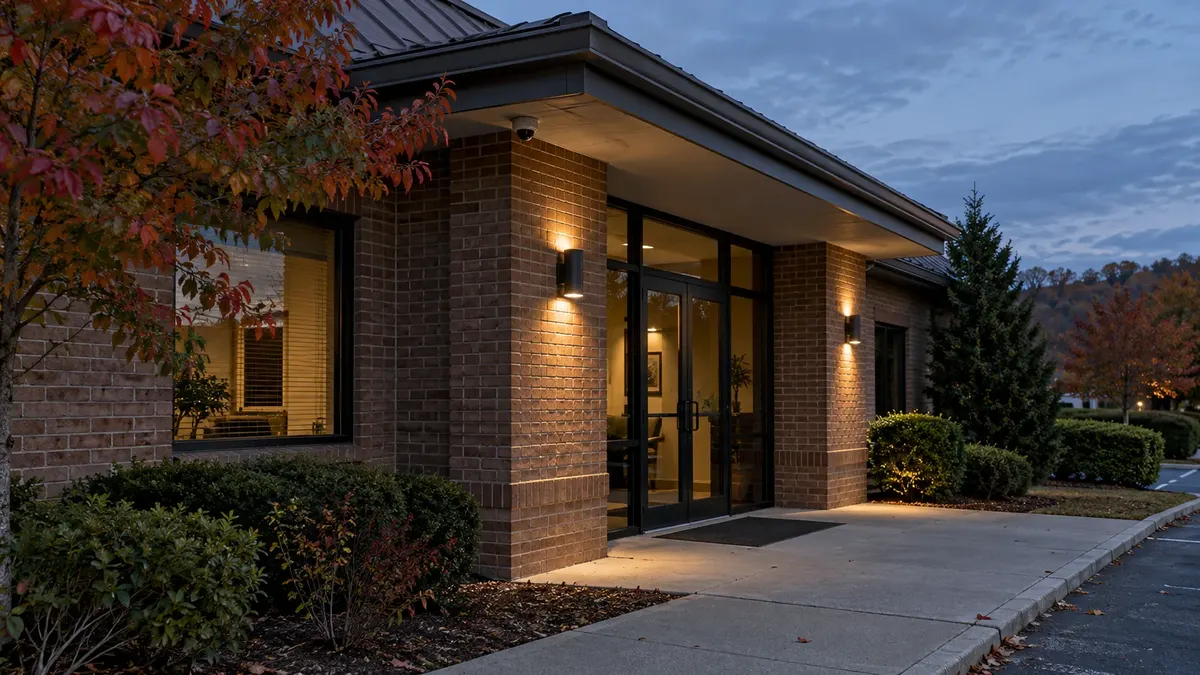
An entrance that looks clear on a camera at lunchtime can produce a very different recording after closing. Autumn is a useful time to check because more ordinary business activity takes place after sunset.
You do not need to start by shopping for cameras. Start by comparing what the recording shows with what the business needs to see. A bright image of an empty walkway is not proof that a moving person will appear clearly.
Pick one real task
Choose a location and a practical question. Can staff review activity at the receiving door after the lights change? Can they understand movement through the employee entrance? Can they distinguish which direction someone traveled through the covered area?
Be specific without promising more than the system is designed to deliver. General activity coverage and useful identifying detail are different objectives. Distance, lens selection, camera position, lighting, settings, and the subject's movement all affect the result.
Note the current view and the conditions before changing anything. That gives the installer a useful baseline if an adjustment is needed.
Review recorded movement after dusk
Arrange a safe, authorized walk through the area during normal evening conditions. Tell the relevant staff what is happening, stay out of vehicle routes, and avoid any exercise that could be mistaken for an intrusion or emergency. If testing could affect an alarm or monitoring response, coordinate with the provider first.
Then retrieve the recording. Review the point where the task matters, not just the clearest moment in the clip. Compare the recorded result with the live view if both are available. The recording configuration may differ from the stream you watch on a phone or display.
Longer exposure can brighten a dark scene while making moving subjects blurrier. Axis's camera documentation illustrates this low-light tradeoff. The settings and available controls vary by model, so have the responsible technician assess the installed equipment rather than copying a setting from another camera's manual.
Look for three practical problems
The background is clear, but movement is not. Save a representative example for the technician. Ask about the balance between exposure, noise, lighting, and the required level of detail. Do not assume a higher resolution alone will solve motion blur.
Light is present, but the important area is difficult to see. Check the actual operating conditions: entrance lights, illuminated signs, vehicle headlights, reflective surfaces, and deep shadows. A qualified review can distinguish a lighting issue from placement or configuration problems.
The view changes when the property is in use. A parked delivery vehicle, open door, or seasonal display may block the relevant area. Test during representative activity where it is safe and practical, not only while the site is empty.
Do not climb to equipment, open housings, or adjust electrical lighting as an informal test. Report the conditions and involve the appropriate service professionals.
Keep a short before-and-after record
Record the camera location, test time, lighting conditions, task, and observed result. Store sample clips securely and limit access to the people conducting the review. Avoid posting test footage containing employees or customers publicly.
If a change is made, repeat the same safe test. A brighter picture is not automatically a better result; the question is whether the recording now supports the agreed task. Check relevant daytime conditions too, since a setting change should not quietly create a different problem during normal hours.
Any recording-setting change should also be reviewed for its effect on storage and network use. The network supporting connected cameras is part of that discussion. Keep the outcome tied to the overall system instead of treating image quality as an isolated slider.
Bring one useful clip to the review
A specific example is more helpful than a general report that the cameras look bad at night. Bring the location, approximate time, and the question the recording failed to answer.
Turner Security Powered by TechCore can discuss business security camera coverage in the conditions your property actually experiences. For an evening-coverage conversation, call Nashville at (615) 223-9600 or Chattanooga at (423) 344-3787. The next step may be maintenance, lighting coordination, configuration, placement, or equipment changes, depending on what the review finds.