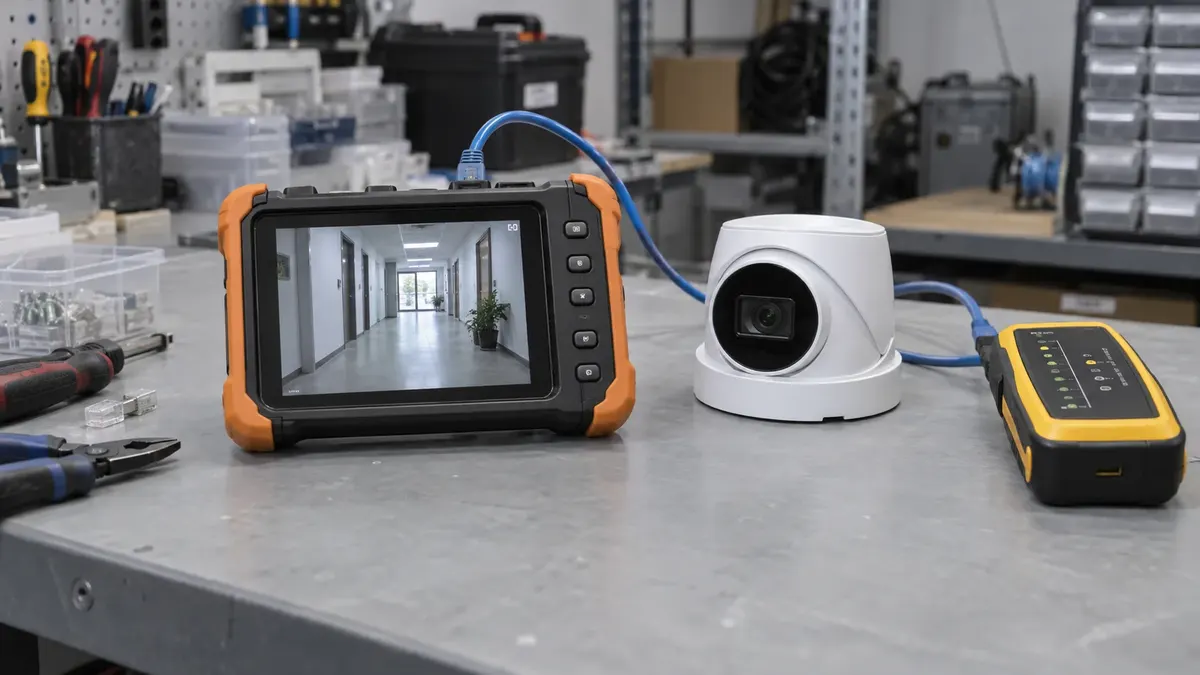
The cameras are mounted. Every tile on the display shows a picture. The installation may look finished, but your business has not yet confirmed that the system performs the tasks it was purchased to handle.
Camera installation acceptance tests turn the handover into a practical demonstration. They give the installer and the business a shared record of what works, what still needs attention, and what the staff can operate independently.
Agree on the tests before installation where possible. The following checklist is a planning aid, not a substitute for contractual requirements, manufacturer procedures, or a specialist's commissioning plan. Adapt it to the actual scope and involve the authorized people who will use the system.
1. Match every camera to a location and purpose
Compare the installed camera list with the agreed plan. Check location names, intended views, and any approved changes. A device that moved during construction should not disappear into an undocumented field decision.
At each view, state the task in plain language. Is it intended to show activity at the loading door, document movement through a lobby, or provide a broad yard overview? Review whether the image serves that task under the agreed conditions.
Evidence to keep: a location list and representative sample images, stored securely. Note limitations such as temporary obstructions or areas deliberately excluded for privacy. Do not circulate detailed security coverage maps outside the people who need them.
2. Review recordings, not only live pictures
Select an authorized test event and return to its recorded time. Confirm that the intended camera captured it using the configured recording method. If recording depends on an event or schedule, have the installer explain and demonstrate that behavior.
A live stream alone does not prove that recordings exist. Nor does one short successful clip prove that every camera has been recording consistently. Review the appropriate system status and sample recordings across the agreed scope.
Evidence to keep: the test date, camera, event time, and outcome. Any missing interval needs investigation, not an assumption that the system will behave differently next time.
3. Include the conditions that matter to your site
A daytime test may be sufficient for a continuously lit indoor area, but not for every exterior entrance or parking area. Arrange follow-up checks for the relevant conditions, including low light or strong backlighting where those affect the requirement.
Use safe, ordinary movements by authorized participants. Do not place people in vehicle paths or stage a threatening incident to create test footage. Identify the level of useful detail expected at the agreed locations without promising identification at any distance.
Evidence to keep: the lighting and operating conditions, observations, and whether a later test remains outstanding. If darkness cannot be tested at the daytime handover, record that limitation explicitly.
4. Check time references across the system
Compare camera and recorder time information with the expected local time and time-zone configuration. Ask the installer to explain how the system maintains time and handles seasonal time changes, where applicable.
The practical objective is reliable correlation. If an access event or staff report uses one time reference and the video another, someone investigating an incident needs to understand that difference. Label exported material clearly rather than guessing after the fact.
Evidence to keep: the verified time reference and any documented offset or display behavior. Review configuration through authorized procedures; do not change shared network time services casually during acceptance.
5. Export a clip and open it elsewhere
Have a trained, authorized staff member locate a sample recording, export it using the agreed process, and open it on an approved second device. Confirm any required player, password, or verification tool is available to the intended recipient.
Export behavior is product-specific. For example, the AXIS Camera Station Pro documentation describes its own export options and permission controls. That is a reason to test your installed platform, not to assume all recorders use the same workflow or format.
Evidence to keep: the export method, playback result, and responsible staff role. This operational test does not guarantee legal admissibility. Real incident evidence may require additional preservation and handling procedures.
6. Verify the permissions people will actually use
Test a normal operator account as well as the authorized administrative role. Confirm that each can perform its intended tasks and that restricted actions remain restricted. Do not demonstrate everything through the installer's unrestricted login and assume staff accounts will behave identically.
Review recovery contacts and the process for adding or removing authorized users. Store credentials through the business's approved secure method, not on the handover checklist. If remote access is included, verify it through the approved connection and permissions.
Evidence to keep: role names, allowed tasks, training completion, and the account-control handoff. Our networking security service is relevant when camera access depends on the wider business network.
7. Explain storage and fault reporting
Request the recording settings and assumptions behind the retention target. A configured target is not the same as demonstrated history on a newly installed recorder. Agree on a follow-up check after enough normal operation has occurred to evaluate retention.
Also ask how authorized staff will learn about a relevant recording or device problem. Demonstrations of fault notifications should follow the provider's controlled procedures. Do not unplug live equipment or disrupt production systems without an approved test plan.
Evidence to keep: storage assumptions, notification recipients, follow-up date, and any known limitations. Identify who owns ongoing checks after the installer leaves.
Close with an exceptions list, not a vague sign-off
Summarize each agreed test as passed, failed, or not yet tested. Assign unresolved items to a responsible party with a proposed next step. Distinguish an accepted scope limitation from a defect that still needs correction.
Keep the final equipment list, relevant configuration records, support contacts, warranty information, and operator instructions where authorized staff can retrieve them. Review any contractual acceptance or payment implications with the appropriate business representative; this checklist does not override your agreement.
For an upcoming installation, bring your coverage goals and proposed handover requirements to Turner Security Powered by TechCore. Discuss business security camera systems with Nashville at (615) 223-9600 or Chattanooga at (423) 344-3787, and make the acceptance plan part of the project conversation before sign-off day.