The alarm happens after closing, someone answers the call, and no obvious cause is found. A week later it happens again. Replacing a detector feels like progress, but it may leave the actual problem untouched.
Business false alarm troubleshooting works best when each event becomes a documented observation. The objective is to distinguish an equipment fault from a door problem, an environmental change, a communication issue, or an operating routine the system was never configured to accommodate.
This discussion concerns recurring intrusion alarms. Fire, carbon monoxide, panic, and other life-safety signals require their own response procedures. Never assume an active alarm is harmless because a previous event proved false. Follow the established response plan and emergency instructions first.
Start with the event, not a replacement order
Once the immediate situation is safely resolved, request the relevant event details from your authorized system administrator or alarm provider. Record the time, zone or device identification, alarm type, and what staff found. An intrusion activation, low-battery warning, communication trouble, and missed closing notification are not interchangeable diagnoses.
Add the operational context while memories are fresh. Was a cleaning crew present? Did an employee return for a forgotten item? Was a delivery late? Had a door been repaired or a shelf moved? Do not distribute codes, passwords, or detailed security layouts in a general staff email to collect this information.
One useful incident record contains:
- The exact signal and affected area, as confirmed by the provider.
- Who was authorized to be present and when.
- Whether nearby doors were securely closed.
- Recent maintenance, deliveries, layout changes, or power interruptions.
- The response taken and any technician's findings.
Treat these as clues, not proof that a particular employee or component caused the alarm.
Follow the pattern that actually appears
Always near opening or closing?
Walk through the authorized arming and disarming process with the people who perform it. Look for confusion about which entrance to use, how to confirm the system state, and whom to call when something goes wrong. Check that current personnel have the access and training appropriate to their responsibilities.
Nashville Police's business security guidance emphasizes alarm maintenance, user training, and coordinating cleaning schedules with the alarm company. These are practical starting points before deciding that recurring activations require new equipment.
Training is not a substitute for diagnosis. If staff are following the documented process and activations continue, give the provider that information rather than repeatedly telling employees to be more careful.
Always the same door?
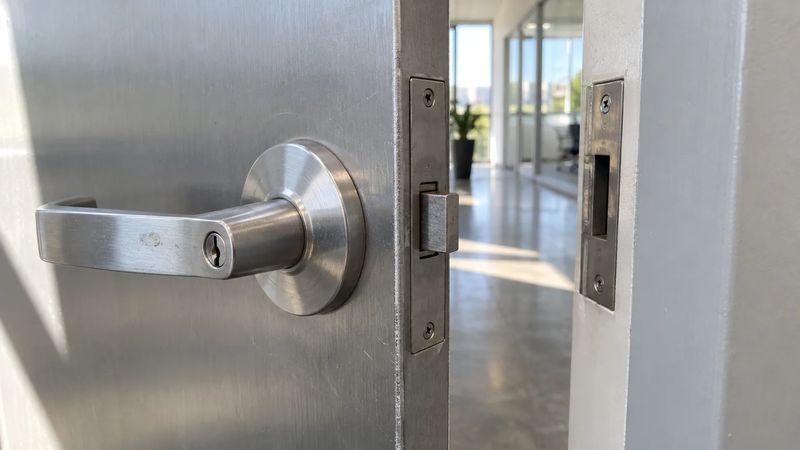
Ask for a coordinated review of the door and its security devices. A door that does not consistently latch needs attention even if its electronic contact is functioning. Conversely, a door that looks closed to staff may still have a device or wiring problem that requires testing.
Describe the symptom without attempting to reposition contacts, alter wiring, or defeat a switch. Door hardware, the building envelope, and alarm components may involve different service responsibilities. A useful service report identifies which trade owns the repair and how the result will be checked.
Always during a particular shift or service visit?
Compare authorized schedules with alarm events. Cleaning, pest control, maintenance, and early deliveries sometimes change without the security process changing with them. Verify the approved procedure for each visit and the person accountable for securing the property afterward.
Our guide to after-hours vendor access looks at the broader permission and accountability process. For troubleshooting, the immediate question is whether the alarm configuration and staff routine match the operation that is actually taking place.
No obvious timing pattern?
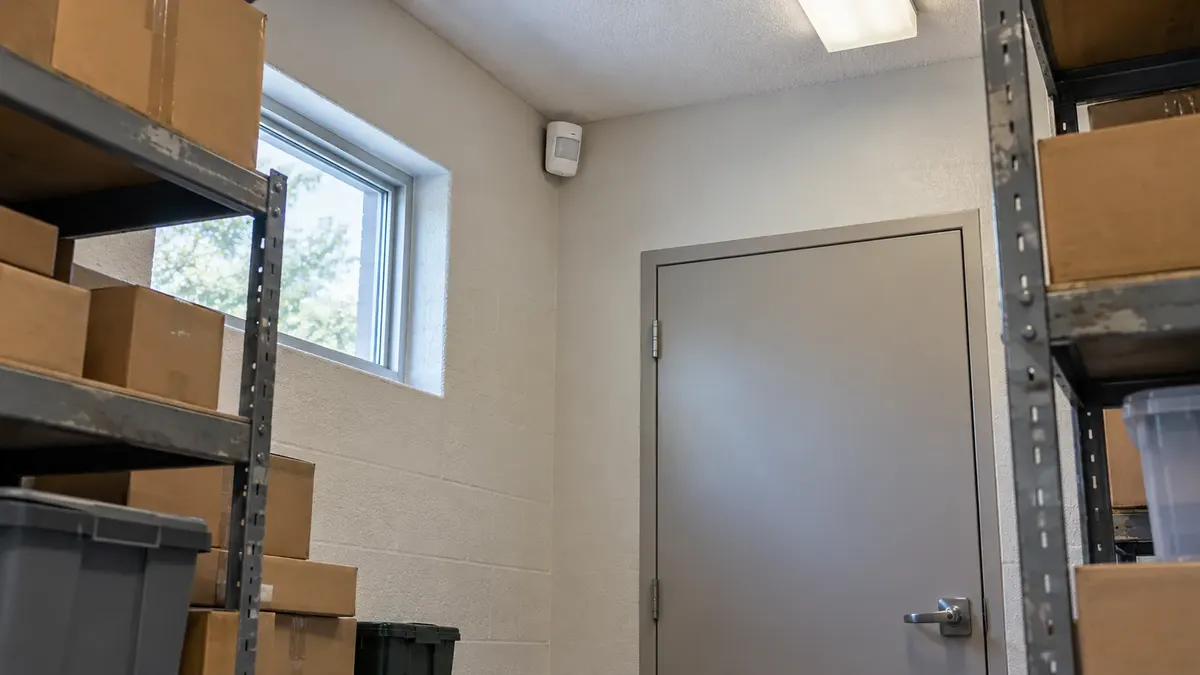
Request a qualified system inspection using the accumulated event records. Include changes near the affected device, even if they seem unrelated. New stock placement, moving displays, building work, or changed room use may matter to the assessment, depending on the detector technology and installation.
Do not assume every motion detector reacts to the same conditions. The model's instructions and the actual installation should guide diagnosis. Ask the provider to separate a confirmed defect from a hypothesis that still needs testing.
Arrange tests so they do not create another incident
Coordinate testing with the alarm and monitoring providers, following their procedures for authorization, test status, notification, and restoration. Do not intentionally trigger alarms as an informal experiment or assume that changing a local setting prevents a dispatch.
Before the visit ends, confirm that normal protection has been restored and that the relevant people know the current status. If a problem cannot be resolved immediately, request a documented interim plan from the responsible professionals. Leaving a zone disabled indefinitely is not a troubleshooting strategy.
Keep local rules separate from equipment findings. Registration, response, and false alarm requirements can differ by jurisdiction and system type. Verify applicable requirements with the responsible local authority rather than applying a neighboring city's policy to your property.
Decide what the evidence supports
Replacement may be appropriate when a component is defective, unsupported, unsuitable for the location, or unable to meet the site's needs. A repaired door, revised authorized procedure, or properly configured schedule may be the better answer in another case. Neither choice should be made solely because a nuisance signal has become frustrating.
Ask for the diagnosis, corrective action, and verification result in writing. Review subsequent events against the original pattern. The absence of another call for a few days is encouraging, but it is not the same as demonstrating that the identified fault was corrected.
If recurring events are taking time away from the business, bring that event history to Turner Security Powered by TechCore. A commercial security review can start with what the system is reporting and how the building operates. Call Nashville at (615) 223-9600 or Chattanooga at (423) 344-3787 to discuss the pattern before committing to a replacement.