A credential reader cannot straighten a sagging door. Software cannot make a damaged latch engage. Before choosing cards, fobs, or mobile credentials, take a careful look at the physical opening the system will control.
Electronic access control depends on a coordinated door, locking arrangement, power supply, control equipment, and operating procedure. The appropriate design also has to preserve safe exit and account for applicable accessibility and building requirements.
This is a readiness walkthrough for business owners and facility managers, not a wiring guide or a substitute for a qualified door and life-safety review.
Start outside, then follow the person through
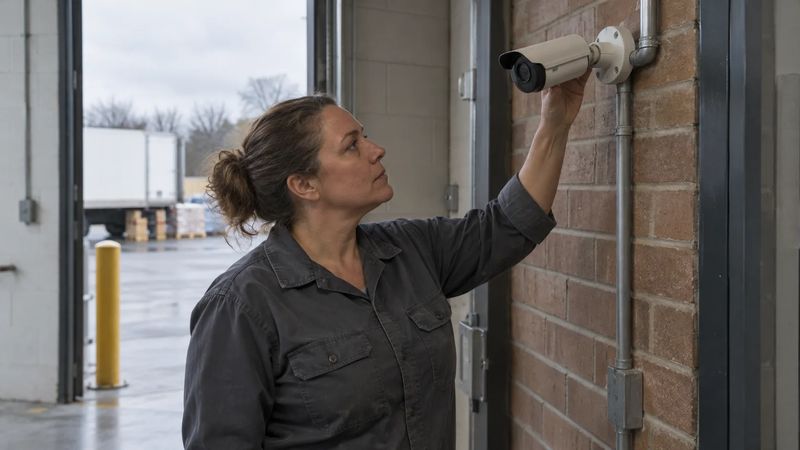
Stand at the approach to the entrance. Consider who uses it, whether visitors need assistance, and what people carry when arriving. A receiving entrance used with carts has different day-to-day demands from a quiet office doorway.
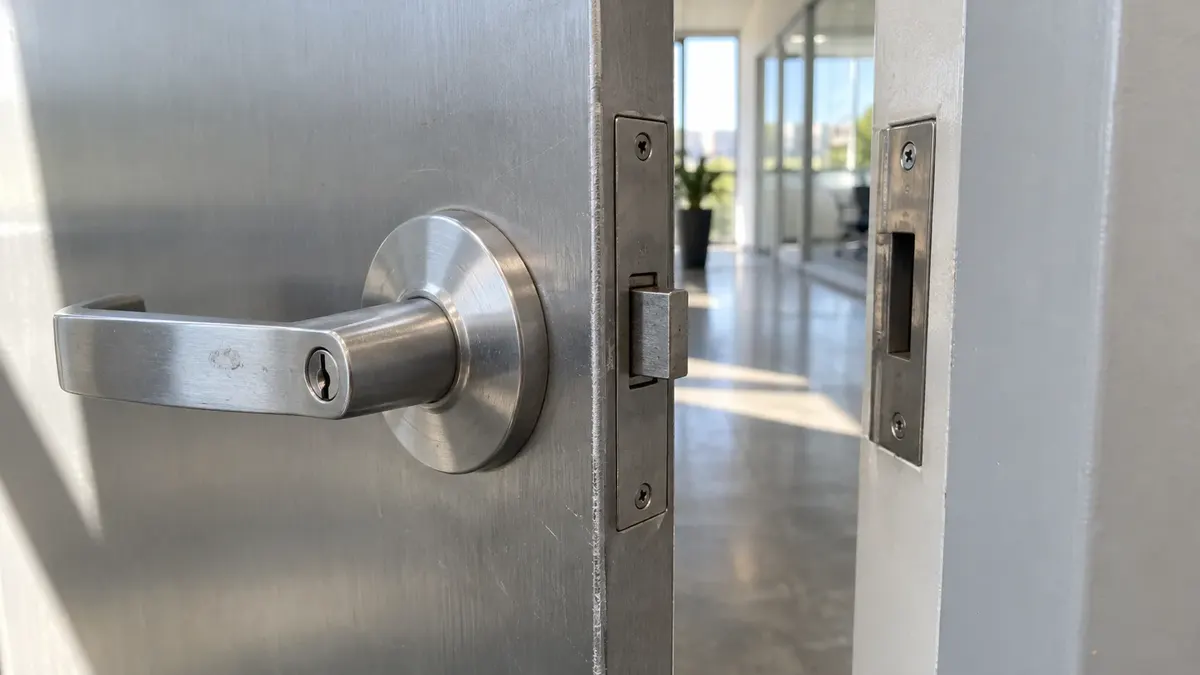
Observe how the door opens and closes during normal use. Note rubbing, unusual force, a latch that only catches when the door is pulled, or a closer that behaves inconsistently. Report these conditions for professional assessment rather than attempting hardware adjustments yourself.
Look at the frame as well as the door leaf. Existing modifications, damage, and the available mounting surfaces can affect what is feasible. Photographs help explain the condition, but they do not replace measurements or an on-site inspection.
If there are two leaves, sidelights, or automatic opening equipment, identify them in the project brief. A quote based on a simple single door may not describe the work required at a more complex opening.
Separate entry control from emergency exit
The business may want to restrict entry without making it harder for people inside to leave. Those are different design functions.
OSHA's exit-route standard generally requires workplace exit doors to be operable from inside without a key, tool, or special knowledge. Narrow exceptions exist; do not treat them as permission to improvise a locked-exit arrangement at an ordinary business.
The applicable building and fire rules, occupancy, door assembly, and locking method still need project-specific evaluation. Ask the qualified designer or installer which approvals and inspections apply and who will coordinate with the relevant authority having jurisdiction.
Do not specify a lock's power-loss behavior from a slogan such as “fail safe is always best.” The correct arrangement depends on the assembly and its safety requirements. Have the responsible professional document the intended behavior for normal operation, power loss, and applicable emergency conditions.
Accessibility belongs in the first conversation
The reader location is only one part of usable access. Approach space, opening force, maneuvering clearances, hardware operation, and the behavior of any automatic opener may matter as well.
The U.S. Access Board's guide to entrances, doors, and gates explains how accessibility requirements apply to relevant openings and alterations. It is not enough to choose a reader advertised as convenient and assume the complete entrance is accessible.
Bring known accessibility concerns to the planning meeting. Avoid making site-wide compliance claims based on a single piece of hardware. When a requirement is uncertain, leave it as a design question to resolve, not a reason to omit it from the scope.
Find the infrastructure questions before installation day
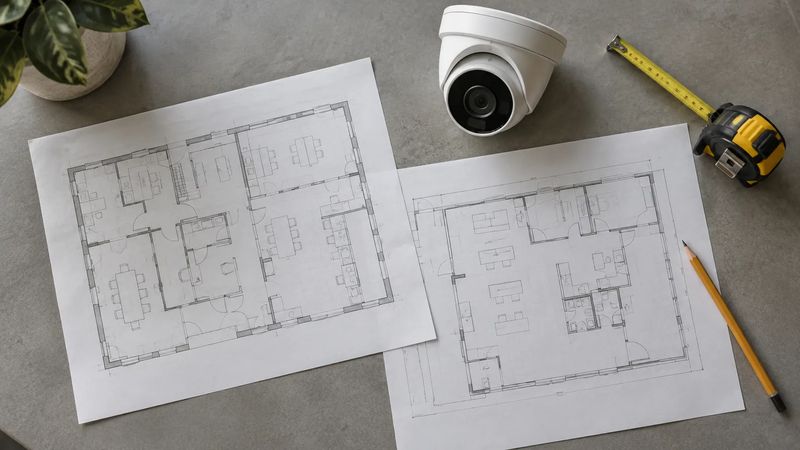
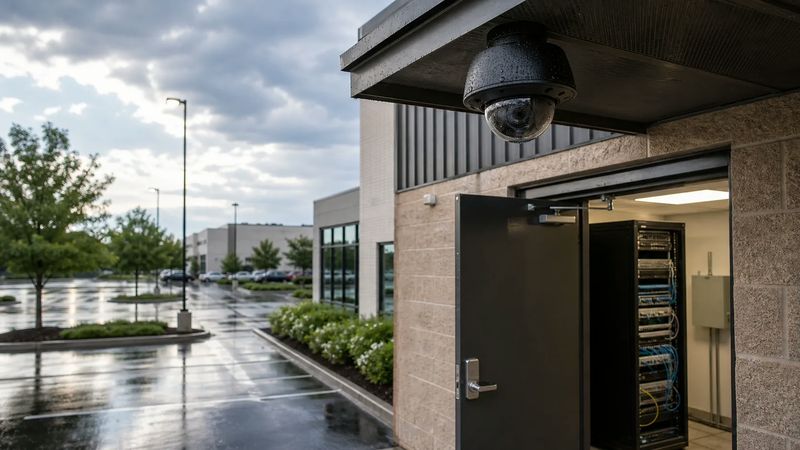
Ask where the controller and supporting equipment would be located. Identify the available cable routes, power arrangements, and any network coordination the proposed platform needs.
These are questions for the project team, not instructions to open panels or trace energized wiring. Building access, ceiling conditions, landlord permissions, and other trades can affect scheduling and cost. Record who is responsible for each part.
Have the provider explain what remains functional if a particular connection fails. Do not assume that every cloud-managed system behaves the same way without internet access, or that every reader stores permissions locally. Request the behavior for the actual design and verify it through an agreed test.
Decide what “door closed” means operationally
A successful credential read and a physically secure opening are not the same event. Ask what the proposed system can report about the door itself and what requires separate hardware or configuration.
If door-held-open notifications are part of the scope, decide who receives them and when they are useful. A loading operation may need a documented workflow during deliveries rather than an alert that staff learn to ignore.
Avoid solving a workflow problem by routinely propping a protected door open. Discuss the legitimate operational need with the project team so it can be addressed without undermining the intended design or applicable fire-door requirements.
Give each opening a short readiness record
A simple door-by-door record keeps the project concrete:
- Door identifier and location, using names employees recognize.
- Normal users, public hours, and delivery patterns.
- Observed door, frame, latch, and closer concerns.
- Existing hardware and any known automatic opener.
- Required entry behavior and issues needing exit-safety review.
- Infrastructure questions, permissions, and responsible parties.
- Planned acceptance checks and unresolved design decisions.
You do not need to diagnose the hardware to create this record. Its purpose is to make the conditions visible to the people qualified to evaluate them.
It also prevents a common planning gap: focusing every discussion on the main entrance while an employee or receiving door continues to operate under a different, undocumented arrangement.
For leased space, establish who can approve changes to the door assembly and surrounding building. The tenant, property manager, and service provider may have different responsibilities. Resolve that ownership before ordering equipment, particularly when the opening serves common areas or connects with building-managed systems.
Finish with a walkthrough, not just a login
At handoff, have authorized staff demonstrate the agreed workflows at the actual doors. Include ordinary entry, permitted and denied credentials, closing and latching, and any notifications in the contracted scope. Coordinate safety-related tests with the responsible professionals.
The administrator also needs a workable process for changing access later. Turner's article on staff turnover and access addresses the ongoing people side of that responsibility.
For the physical opening and system design, begin with commercial access control planning. Send Turner Security Powered by TechCore your door list and observed concerns through the proposal request, or call (615) 223-9600 for Nashville and (423) 344-3787 for Chattanooga. A useful assessment starts with the doors you actually have.