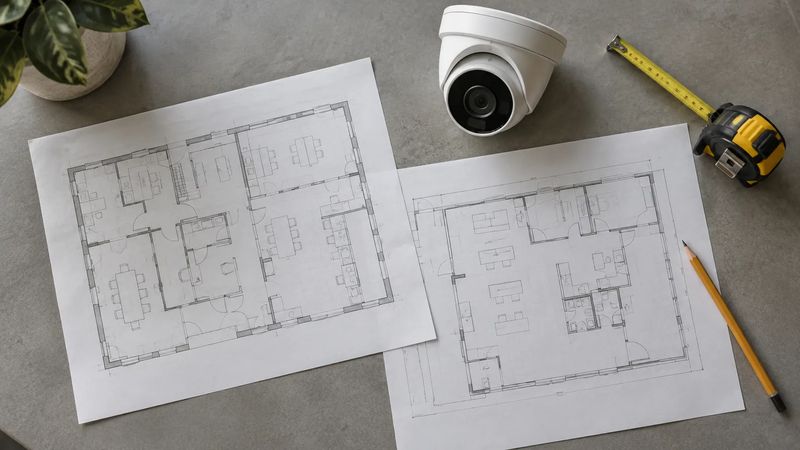
Sometimes you can. The useful question is not whether an old camera still turns on, but whether it can do the required job within the proposed system and remain supportable afterward.
Replacing everything may discard useful equipment. Keeping everything may carry old limitations into a new recorder or software platform. A sensible existing-camera upgrade plan evaluates each component against the result the business actually needs.
Think of the decision as three options: keep, keep temporarily with a documented limit, or replace. That leaves room for a phased project without pretending every device is equally suitable.
Keep it when the evidence supports keeping it
A candidate for reuse should provide a useful view, work with the proposed recording environment, and have a support position your business can accept. Evaluate those conditions separately.
Start with the image. Look at recorded footage from the camera during ordinary working hours and under its most difficult routine conditions. If your concern is people moving through an entrance, a clear still image of an empty doorway does not answer the question.
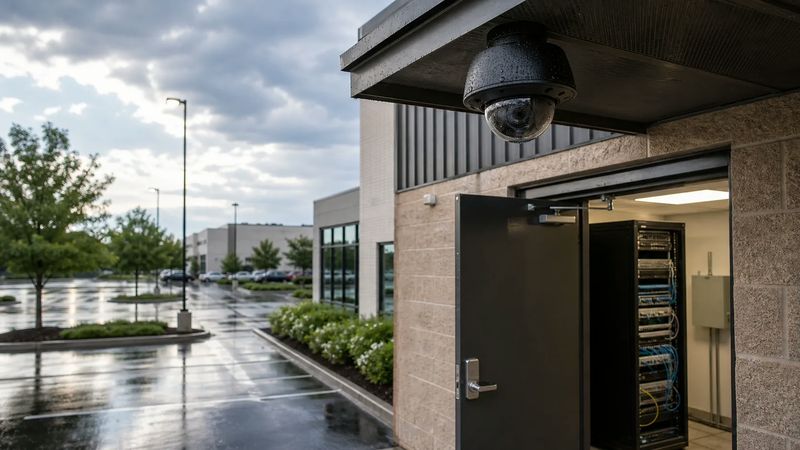
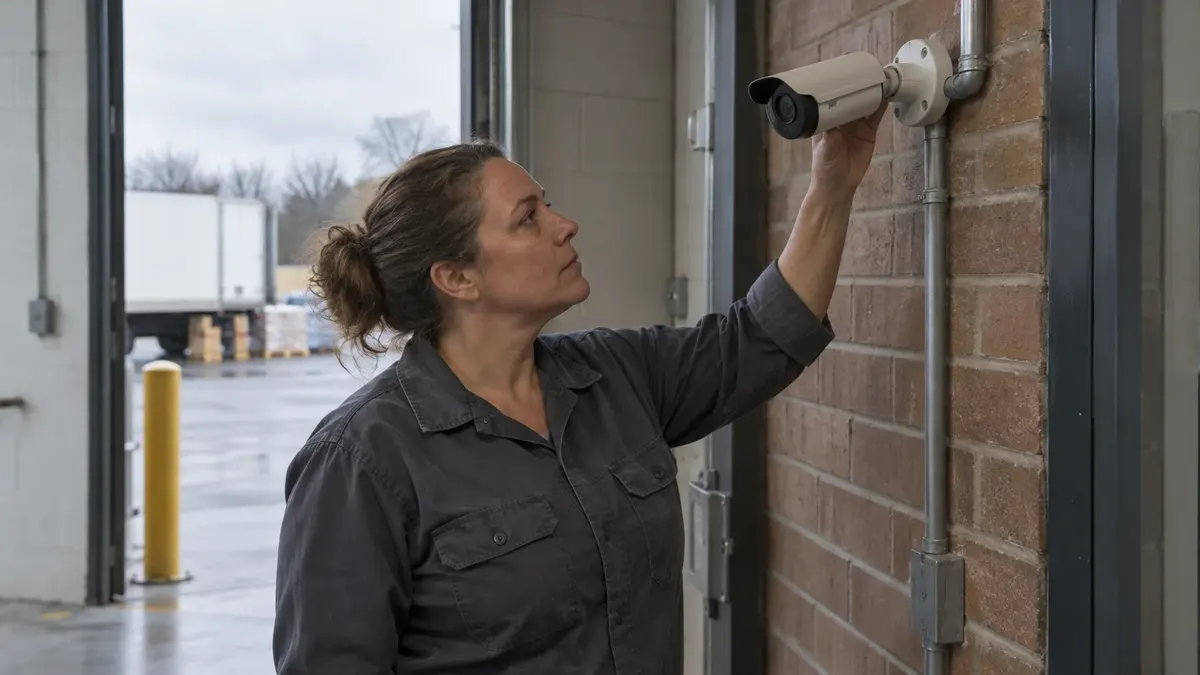
Then assess the hardware and installation. Ask a technician to inspect the mount, housing, cable termination, weather exposure, and power arrangement as appropriate. A working camera on an unreliable connection may need infrastructure work rather than immediate replacement.
Finally, identify how the device is maintained. Record the manufacturer, full model, firmware version, and available support information. Do not infer that a unit receives security fixes merely because another model from the same manufacturer does.
“Compatible” needs a feature list
Ask exactly what the proposed recorder or video management software will receive from an existing camera. The answer might include video but exclude some events, analytics, audio, or device-management functions.
ONVIF maintains an official product conformance database. Its records associate conformance with specific product and software versions. Check the actual equipment rather than relying on a logo, a reseller description, or a statement that the manufacturer is an ONVIF member.
The organization also defines different profiles. For example, Profile T addresses advanced video streaming, with mandatory and conditional features. A profile designation is useful evidence, but it does not establish that every optional capability will work in your particular combination of products.
Request a practical test of the features that matter before committing to broad reuse. A short demonstration can be more informative than a long compatibility discussion with no test equipment involved.
Put one camera through the proposed workflow
With an authorized technician coordinating the work, choose a representative device for a controlled trial. Avoid casually disconnecting a critical camera during business operations.
Define the trial before changing anything:
- Can an authorized user see the intended view?
- Does recording occur under the selected schedule or event settings?
- Can staff find and play a known event afterward?
- Are the recorded time and camera identity understandable?
- Can a permitted operator export and reopen the clip?
- Do the particular alerts or functions specified in the project work?
Document failures and limitations. If an analytics event is not delivered, do not describe the whole device as unusable without considering whether that function was required. Equally, do not call a trial successful because live video appeared when the business needs event-based recording that did not work.
Separate the camera decision from the cabling decision
Existing cable routes may have value, but their suitability needs its own assessment. An analog installation, an IP installation, and a mixed system present different questions about equipment interfaces, power, and infrastructure.
Ask the installer to explain the proposed path without promising that any cable can carry any system. List adapters or replacement equipment explicitly. If a solution depends on a converter or extender, include that component in the support and failure discussion.
A review of the network supporting connected cameras can help place the video upgrade in the wider IT conversation. Keep your network administrator involved when the change affects shared infrastructure.
Keep temporarily when the compromise is deliberate
An older camera may remain adequate for a secondary overview even if it is not suitable for a more demanding entrance view. That is a possible planning outcome, not a blanket recommendation to downgrade important coverage.
Write down why temporary reuse is acceptable, what function is missing, and when the decision will be revisited. Assign an owner. Otherwise, a temporary compromise can become a permanent assumption that no one remembers making.
Make sure the budget reflects the staged design. Include any later replacement labor, licensing implications, and expected configuration work rather than presenting the first phase as the full project cost.
Replace when the limitation matters more than the savings
Replacement deserves serious consideration when the image does not meet the requirement, the device cannot support the necessary workflow, or the maintenance position creates unacceptable risk.
The reason should be specific. “Cannot produce usable entry footage under the agreed test conditions” is a better decision record than “too old.” Likewise, “unsupported required function” is more informative than a vague claim that the camera is not modern enough.
Avoid using a manufacturer support date as a universal deadline for every business. Record what is known about updates and assistance, then evaluate the exposure and operational importance with the people responsible for the system.
Make the reuse list part of the proposal
A useful handoff document separates reused, relocated, repaired, and new devices. It identifies the agreed functions and remaining limitations for each group.
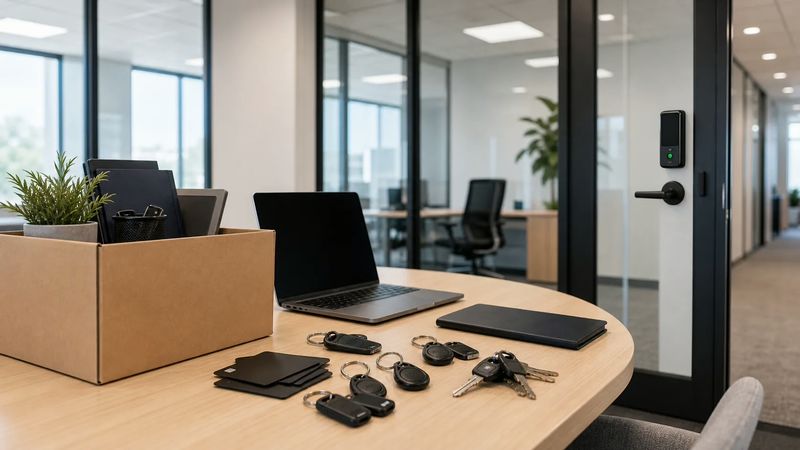
Include a plan for existing recordings before equipment is removed or reset. Determine who needs access, what must be preserved, and which approved export process will be used. Do not assume a new recorder will automatically import an old system's archive.
Turner's business security camera systems service includes existing-camera health and coverage review. Start with photographs of the equipment labels and a description of what the current system cannot do, rather than passwords or private recordings sent without a secure arrangement.
For a compatibility discussion, contact Turner Security Powered by TechCore at (615) 223-9600 in Nashville or (423) 344-3787 in Chattanooga. Ask which components deserve testing before you decide what to keep.