Short answer: A connected security camera is a computer on your network, so a poorly configured camera system can expose the business it is supposed to protect. The common problems are default passwords, recorders opened to the internet, cameras sharing a network with office computers, stale logins and brands restricted for federal work, and nearly all of them can be fixed without replacing the cameras.
These are the issues we look for when Turner Security takes over a camera system someone else installed. Because our sister company, TechCore, handles business IT, we look at cameras from both sides: does it record the right thing, and is it safe on the network.
Six settings that create risk
1. Default or shared passwords
Many cameras and recorders ship with a default admin login. If the installer never changed it, anyone who reaches the device on your network can log in. Shared logins are nearly as bad: if the whole management team signs in as admin with one password, you cannot cut off one person without resetting it for everyone.
2. Port forwarding for remote viewing
Older systems often made phone viewing work by opening a port on the router straight to the recorder. That puts the recorder on the public internet, where automated scanners look for exactly that kind of device. A cloud platform or a properly configured remote access method avoids exposing the recorder directly.
3. Cameras on the same network as everything else
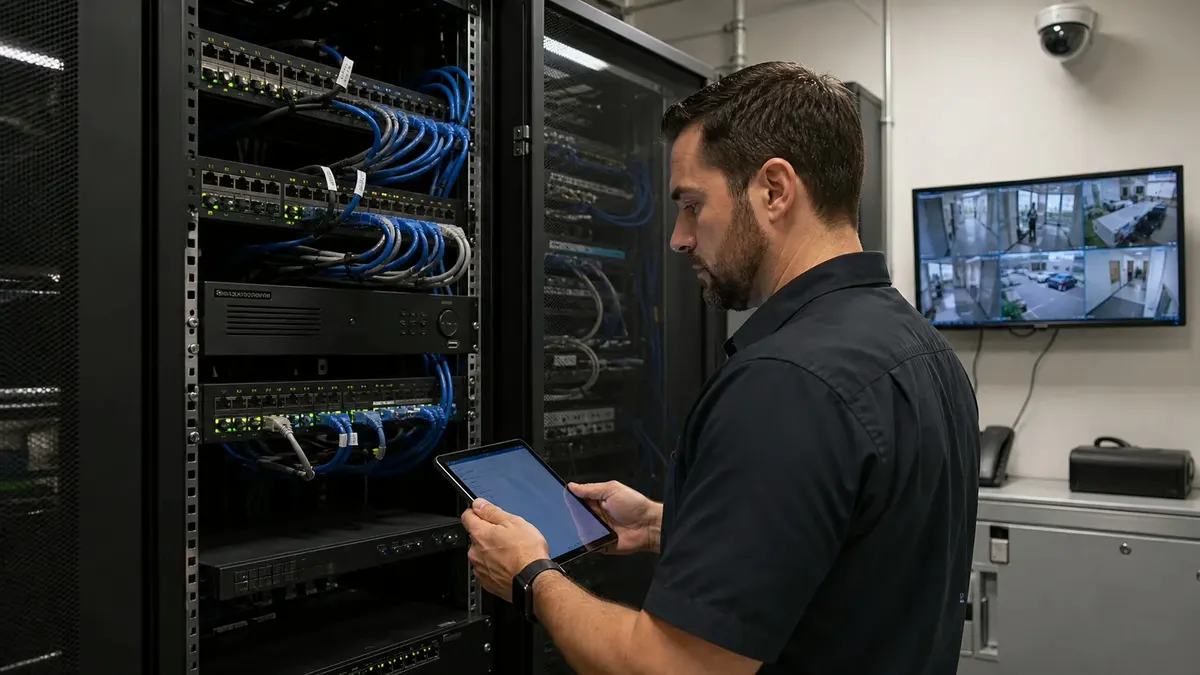
When cameras sit on the same network as payroll computers and the point of sale system, a compromised camera becomes a path to those machines. Putting cameras on their own network segment, often a separate VLAN, keeps video traffic away from business data and makes problems easier to isolate.
4. Firmware nobody updates
Camera and recorder makers release firmware updates that fix security flaws. A system that has not been touched since install day may be years behind. Apply updates on a schedule and confirm recording still works afterward.
5. Logins that outlive the employee
Camera apps are easy to forget during offboarding. A former manager who still has the app on a personal phone may still be able to watch your back office. Review camera users every time someone leaves and at least once a quarter.
6. Equipment from restricted manufacturers
This one catches people off guard. Federal acquisition rules (FAR 52.204-25, which implements Section 889 of the National Defense Authorization Act for Fiscal Year 2019) bar federal agencies from contracting with companies that use covered telecommunications or video surveillance equipment as a substantial or essential part of any system. Covered equipment includes video surveillance gear from Hikvision and Dahua when used for purposes such as public safety, security of government facilities or physical security surveillance of critical infrastructure. The FCC also places that equipment on its Covered List of communications equipment deemed a national security risk. If you bid on federal work or supply someone who does, find out what is on your walls before a contracting officer asks, and get advice from counsel on how the rule applies to you.
What a Nashville or Chattanooga business can do this month
- List every camera, recorder and app login, along with who has access.
- Change any default passwords and give each user a personal login.
- Ask whether your recorder is reachable from the internet, and close it off if it is.
- Write down the make of your cameras and recorder.
- Decide in writing who owns updates: your security company, your IT provider or both.
That last step is where many businesses get stuck. A camera drops offline, the security company calls it a network problem, the IT provider calls it a camera problem and nobody fixes it. With Turner Security and TechCore business IT under one roof, one team owns both sides, and our help desk resolves most camera and recording issues remotely, so many of these fixes never need a truck. Plants with separate production networks have the most to sort out; our page on manufacturing security covers those sites.
Frequently asked questions
Do I have to replace my cameras to make them secure?
Usually not. Most of the risk comes from configuration: passwords, remote access and network layout. Replacement comes up when cameras can no longer receive firmware updates or when restricted equipment is a problem for your contracts.
Are cloud cameras safer than a local recorder?
They can be, because they avoid opening ports on your router and centralize user management. A cloud system still needs strong passwords, regular user reviews and a sensible network layout.
Who should manage camera user accounts?
One named person at your business, with your security provider as backup. Write it down so offboarding always includes the camera system.
Get a network check on your camera system
If you are not sure who can log into your cameras or how your recorder reaches the internet, start there. Turner Security and TechCore can review your business camera system and the network under it together. Call (615) 223-9600 in Smyrna or (423) 344-3787 in Chattanooga.