Short answer: With Brivo Bluetooth access control, employees open doors with the Brivo app on their phone instead of a key or fob, and managers add, change or remove access from a browser or phone in seconds. For staff the change is small. For managers it is big: no keys to collect, a record of every door opened and access you can shut off the moment someone leaves.
Turner Security has installed and serviced business security since 1976 from offices in Smyrna and Chattanooga. Here is what actually changes when a business moves to Brivo mobile credentials, and what to decide before the install.
What changes for employees?
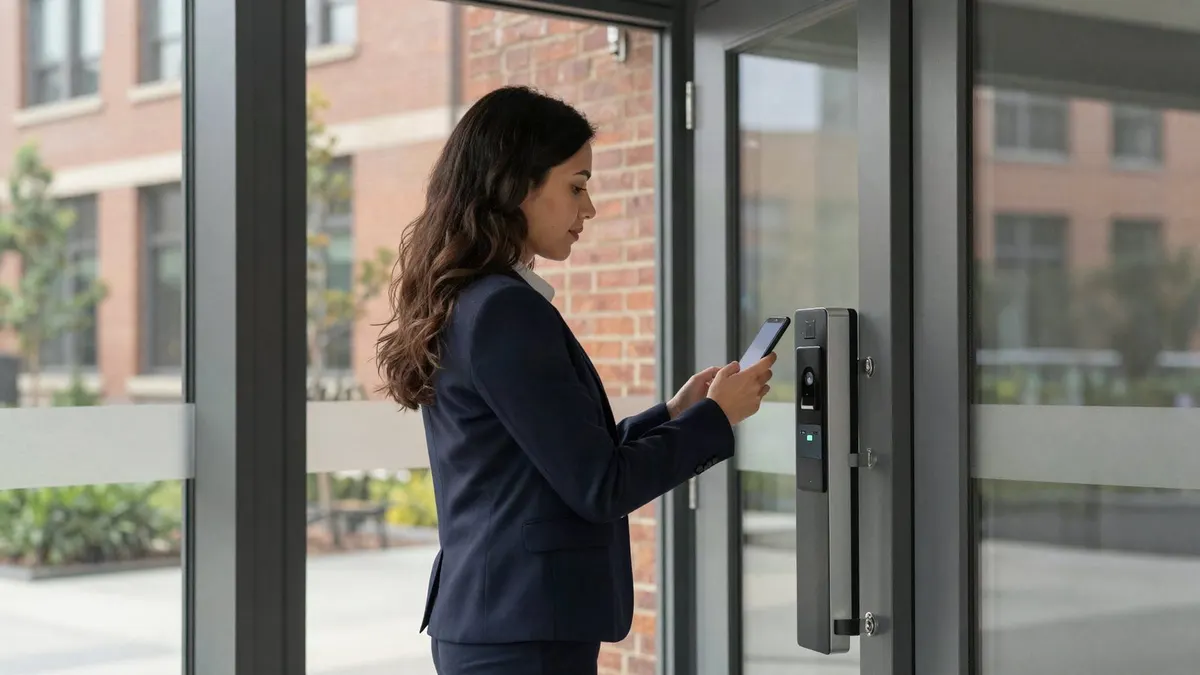
- The phone becomes the credential. Staff install the Brivo mobile app once, then use their phone at the reader instead of a key or fob.
- Less to carry and lose. Most people notice a missing phone within minutes. A fob on a key ring can be gone for days before anyone reports it.
- Access follows their schedule. A second-shift worker can open the rear door from 2 p.m. to midnight, and not at 6 a.m. on a Sunday.
What changes for managers?
- Access is managed in the cloud. You add a new hire, change door schedules or lock a door down from a browser or the app, without anyone driving to the site.
- Offboarding takes seconds. When someone leaves, you remove their credential and it stops working at every door you manage in Brivo. There is no key to recover and no lock to rekey.
- Every unlock is logged. The history shows who opened which door and when, so "who was in the building Saturday?" has a real answer.
- Several sites, one account. Owners with more than one location can see and manage all of their doors in one place.
Five decisions to make before you switch
- Phones, cards or both. Some employees won't want a work app on a personal phone, and some roles share a device. Most businesses keep cards or fobs available alongside mobile credentials.
- Which doors get readers. Start with exterior entrances, then rooms that hold cash, inventory, records or network equipment. Not every interior door needs one.
- Door schedules. Decide which doors unlock on their own during business hours and which always require a credential.
- Who gets admin rights. Keep the list short. The person who adds new hires does not have to be the person who can change schedules on every door.
- Outages. Ask how each door behaves if the power or internet goes out, and confirm that free exit meets fire code.
Does Brivo work with the doors and cameras we already have?
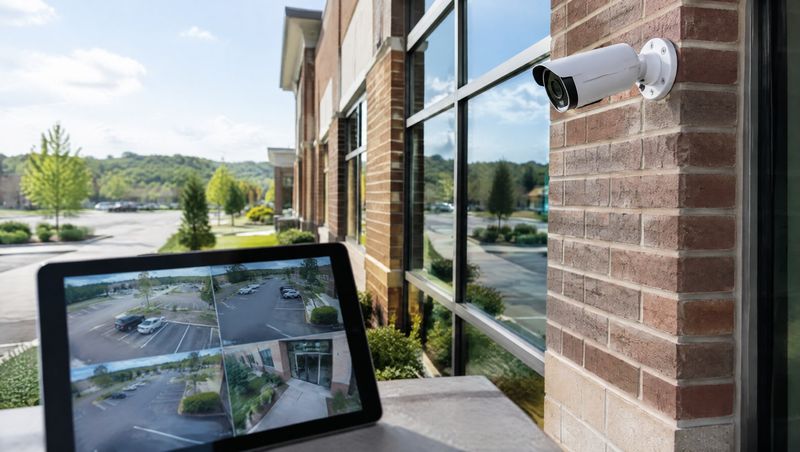
Often, yes. Existing electric strikes and maglocks can frequently be reused, so the upgrade may mean new readers and a new panel rather than new doors. Brivo can also be paired with video so each door event can be checked against camera footage. We look at what is already installed before quoting anything new.
Frequently asked questions
What if an employee's phone dies?
That is the main reason to keep a backup card or fob for staff who must always get in, and to give a manager a way to unlock a door remotely when needed.
Is a phone credential more secure than a key?
A metal key can be copied at a hardware store and never shows up in a log. A Brivo mobile credential is tied to one user's account, every use is recorded and it can be revoked instantly.
Do we have to sign a long-term contract?
Not with Turner. We don't lock security customers into multi-year agreements. We keep customers by doing good work.
Plan your Brivo setup
See how we design commercial access control, compare access control and traditional keys, or request a free assessment and we'll walk your doors with you.