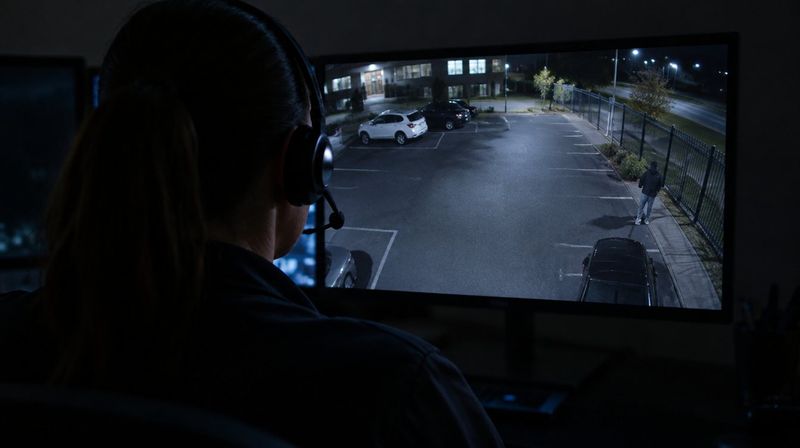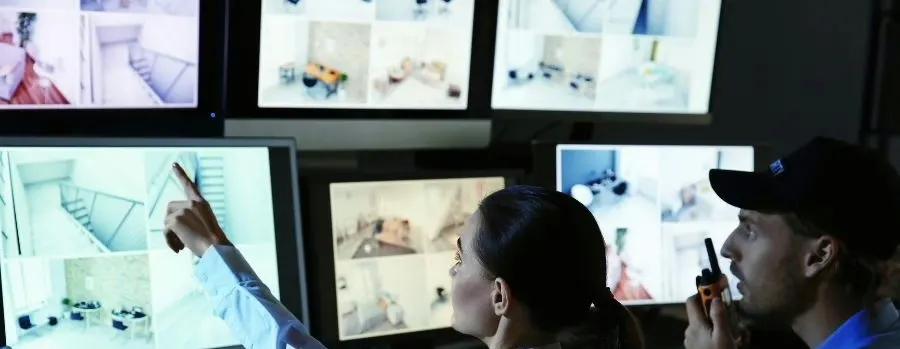
Short answer: Live video monitoring enhances security only as much as the instructions behind it. The cameras and agents are the same for everyone; what makes it work at your site is the setup: which hours are watched, which zones count as protected, who is allowed on site at night, who gets called in what order, and where the speakers and lights go so agents can see and be heard.
Why setup decides the outcome
Two businesses can buy the same service and get very different results. One gets agents who know the night shift leaves at 11:30, that the cleaning crew uses the side door on Tuesdays, and that the plant manager wants a call before police on a gate alarm. The other gets agents guessing. The guessing site ends up with nuisance calls, a call list that rings a phone nobody answers, and a talk-down speaker mounted where trespassers cannot hear it.
Turner Security's live video monitoring and remote guarding starts with a site review and a written set of instructions for exactly this reason.
The decisions you make before monitoring starts
Monitored hours
Your cameras are watched live during the hours and days you choose. Start with when the property is empty: overnight, weekends and holidays. Then look for in-between gaps, like the hour after the last shift leaves and before the building is armed.
Protected zones
Mark the areas where any person or vehicle during monitored hours is worth an agent's attention: the fence line, the loading dock, the dumpster pad behind the building, the material yard. Areas where activity is normal, like a public sidewalk, stay out of the zone.
Who is allowed on site
Give the monitoring center a schedule of anyone expected after hours: cleaning crews, security patrols, a maintenance tech on call. Otherwise, the first night an agent talks down your own janitor will be awkward for everyone.
Call list and escalation
Decide who is called, in what order, and when police are called first. Some businesses want a manager called on every event. Others want police contacted directly on any person inside the fence and a report in the morning. Agents follow your instructions and contact police when a threat is real.
The physical pieces that matter
Speakers where people stand
Talk-down only works if the person hears it clearly. Speakers belong near the spots trespassers actually go: gates, doors, the back corner where they climb the fence.
Lighting
Agents can only describe what the camera shows. A completely dark rear lot makes identification hard even with good cameras. Adding lighting at a few key spots is often cheaper than adding cameras.
Camera views that match the zones
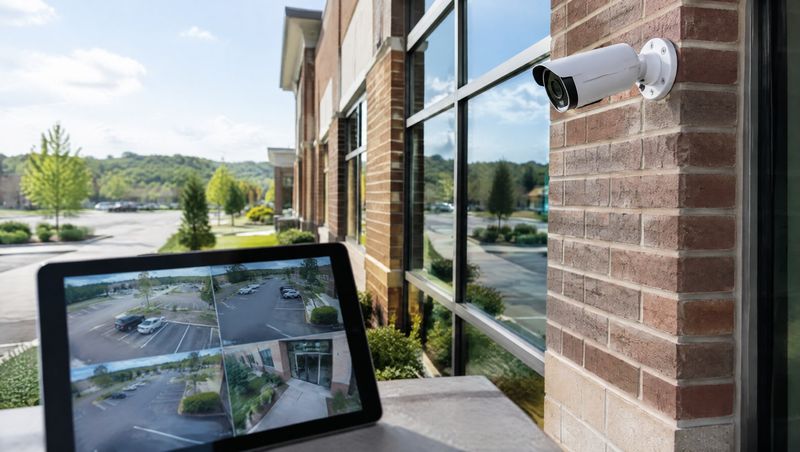
Most sites can use the cameras they already have, sometimes with a camera added or re-aimed so every protected zone is in view. AI analytics can be added to filter out wind, shadows and animals so agents see real activity.
An example: a manufacturing plant with a back lot
Picture a plant in Smyrna with a staffed day shift, a skeleton night crew inside, and a fenced back lot with scrap metal and finished goods on pallets. The setup might look like this: monitored hours from 10 p.m. to 6 a.m. plus weekends, protected zones on the back lot and dock aprons only, the night crew's smoke-break area excluded, a speaker at the back gate and one at the dock, and a call list that goes to the night supervisor first, then police. For more on the challenges plants face, see our page on security systems for manufacturing facilities.
The first few weeks
- Test talk-down and escalation on every speaker and every number on the call list.
- Review the first reports together and note any alert that should not have reached an agent.
- Tighten or loosen zones and timers based on what actually happened.
- Update the allowed-visitor schedule whenever crews or vendors change.
Live monitoring setup questions
How is this different from regular alarm monitoring?
An alarm operator sees a sensor signal. A live video agent sees the scene and can speak to the person. Our guide on live video monitoring vs. alarm monitoring walks through when each fits.
Can I change the hours or call list later?
Yes. Instructions should change as your business does. Let us know and the monitoring instructions are updated.
Can I still watch my own cameras?
Yes. Monitoring does not take away your own access.
Start with a site review
We look at your cameras, network, lighting and problem areas, and where speakers need to go, then write the instructions with you. Call our Smyrna office at (615) 223-9600 for Smyrna, Nashville and Middle Tennessee, or our Chattanooga office at (423) 344-3787. No long-term contract is required.