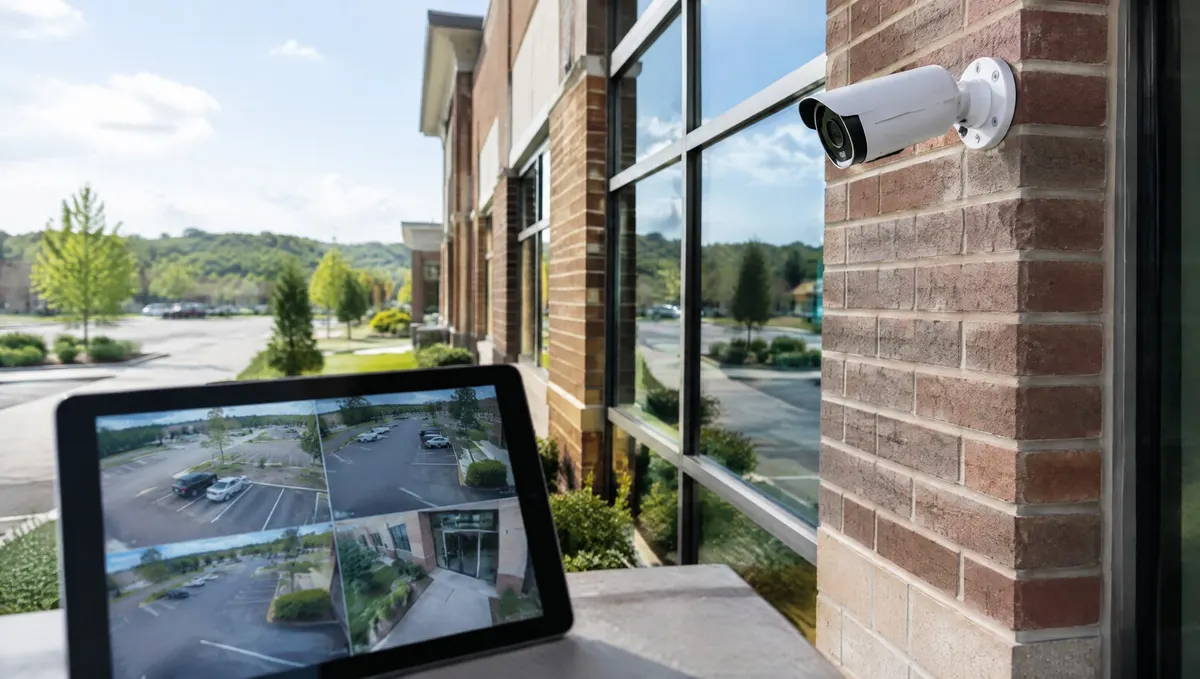
Short answer: Alibi cloud cameras keep your business video in secure off-site storage, so you can watch it from a phone or browser and you don't lose it if a recorder is stolen or damaged. Before you buy, settle six things: how long you need to keep video, whether your internet can carry it, which existing cameras can stay, which views need the cloud, who gets access and who is watching when something happens.
Turner Security offers Alibi cloud cameras and has served businesses across Middle Tennessee and the Chattanooga area since 1976. These are the questions we work through with owners before anything is ordered.
1. How many days of video do you need to keep?
Break-ins are usually found the next morning. Slip-and-fall claims, damage disputes and HR complaints can surface weeks later. Pick a retention period that covers the slowest of those for your business, and check whether your insurer or attorney expects a minimum. Longer retention costs more, so it is worth deciding on purpose rather than by default.
2. Can your internet connection handle it?
Cloud cameras use your upload speed, not just your download speed. A handful of cameras on a solid business connection is rarely a problem. Twenty high-resolution cameras on a basic plan can be. We test the connection at the site before recommending how many cameras record to the cloud and at what quality. If upload is tight, recording some cameras on site and sending the most important views to the cloud can be the better design.
3. Can we keep our existing cameras?
Sometimes. It depends on the camera models and their age. We check what is on your walls first and replace only what can't be connected or no longer gives a usable picture.
4. Which views actually need the cloud?
Start with the places where you would need proof: entrances and exits, registers and counters, loading docks, vehicle entrances and rooms with expensive inventory. A camera on a quiet interior hallway may be fine recording locally.
5. Who should be able to see the video?
Cloud video makes remote viewing easy, which is the point, but it also means access should be managed. Give each person their own login, limit who can download or export clips and remove access the same day someone leaves.
6. Who is watching when something happens?
Cloud storage records the event. It does not stop it. If you need someone to act in the moment, Turner can add live video monitoring, where agents watch your cameras, speak through on-site speakers to warn off trespassers and call for help when needed. AI video analytics on the Eagle Eye platform can also be added to most camera systems to send alerts, for example when a group lingers past a set time or a vehicle shows up after hours.
Frequently asked questions
Is cloud video more expensive than a recorder?
The costs are shaped differently. A recorder is mostly an upfront purchase plus replacement drives over time. Cloud video is usually a monthly fee per camera with less hardware on site. Compare the total over several years, not just the first invoice.
What happens if the internet goes down?
Ask how the cameras you choose handle an outage, including whether they store video locally until the connection comes back. We cover this before installation so there are no surprises.
Can I watch every location from one app?
Yes. That is one of the main reasons multi-location businesses move to cloud video.
Get a cloud camera plan
Read more about our business security camera systems, or request a free assessment and we'll test your connection, review your current cameras and show you which views belong in the cloud.