
● Guide
Access control vs. keys
Keys are simple until someone leaves, a key goes missing, or you need to know who opened a door. Here is how electronic access control compares.
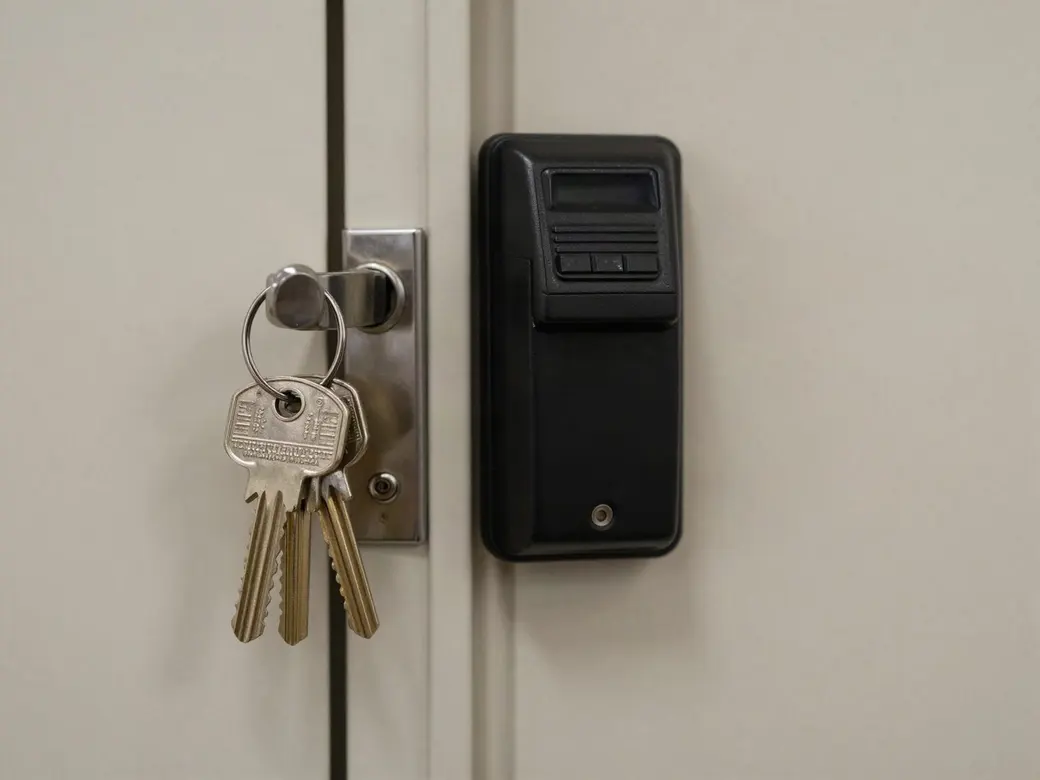
Is electronic access control better than keys for a business?
For most businesses with more than a handful of people, yes. With electronic access control, each person carries a card, fob or phone credential that can be added, changed or turned off in minutes, and every entry is logged.
With keys, a lost or unreturned key often means rekeying locks, and there is no record of who opened which door or when. Keys still make sense for a few low-traffic doors, but most commercial buildings are better served by access control on exterior and sensitive doors.
- KeysNo record, rekey when a key is lost
- Access controlTurn off a credential in minutes
- Audit trailEvery entry logged by person and time
- CredentialsCards, fobs, PIN codes or phones
Access control and keys compared
| Traditional keys | Electronic access control | |
|---|---|---|
| When someone leaves | Collect the key and hope it wasn't copied, or rekey | Disable the credential immediately |
| Lost key or card | Often requires rekeying locks | Turn off the lost credential and issue a new one |
| Who opened the door | No record | Entry history by person, door and time |
| Schedules | Doors stay as locked or unlocked as someone left them | Doors lock and unlock automatically on a schedule |
| Different access levels | Separate keys and master key systems | Set which doors each person or group can open |
| Remote control | None | Unlock, lock or change access from a phone or computer |
| Integration | None | Works with cameras, alarms, intercoms and gates |
Cards, fobs or phones?
Key cards and fobs are the most common credentials, and phones are growing fast because people rarely forget them. The bigger difference is the technology inside the credential. Older 125 kHz proximity cards are easy to copy. Newer encrypted smart credentials and mobile credentials are much harder to clone, which matters for any door you actually need to protect.
- Key cards and fobs for staff, tenants and vendors
- PIN codes for low-security or shared doors
- Mobile credentials on the phone your team already carries
- Encrypted credentials for sensitive doors
Signs it's time to switch from keys
You don't have to convert every door at once. Most businesses start with exterior doors and sensitive rooms, then add more as needed.
- You've rekeyed after an employee left
- You can't say for sure who has a key
- Vendors or cleaners need after-hours access
- You run more than one building or location
- You want door events tied to camera video
Common questions
How much does access control cost compared to rekeying?
Access control costs more up front, mainly per door for the reader, lock hardware and wiring. Rekeying is cheaper once, but repeats every time keys are lost or people leave. We give you a free assessment and a written price per door before any work starts.
Can I add access control to my existing doors?
In most cases, yes. We review your current doors, frames and hardware and tell you which can be fitted with electronic locks or strikes and which may need new hardware.
Are key cards easy to copy?
Older 125 kHz proximity cards can be copied with inexpensive tools. Encrypted smart cards and mobile credentials are much harder to clone, so we recommend them for doors that need real protection.
What happens to access control if the power goes out?
Systems are planned with battery backup power supplies, and each door is set to fail safe or fail secure based on fire code and how that door needs to behave.
Can I manage door access from my phone?
Yes. The systems we install let you add or remove people, change schedules, unlock a door remotely and check entry history from a phone or computer.

Looking for business IT?
Networks, IP phones, servers and managed IT are handled by our sister company, TechCore. Same owners, same local team, one call for security and IT.
- Managed IT
- Networks and Wi-Fi
- Servers and cloud
- Business IP phones
Five-star reviews from real customers
I spoke with a gentleman named TJ today. In spite of me not having all the information available to properly communicate and identify the issue, he patiently walked me through steps to identify and troubleshoot one of our doors we were having issues with. The issue ended up not having anything to do with a Turner Security device but through process of elimination, he helped me find a solution to the issue. TJ was genuinely patient, friendly, and professional and I feel like he went above and beyond to help me resolve the issue.
I received excellent customer service and help with our access control system from Tommy Oliver. He was patient and helpful from start to finish!
Turner is extremely dedicated to its customers. They go above and beyond what is expected of them. Turner's resolve on all issues is to treat you as if you are their own family.
Ready to stop rekeying?
We'll walk your doors and give you a written plan for which ones to convert first.