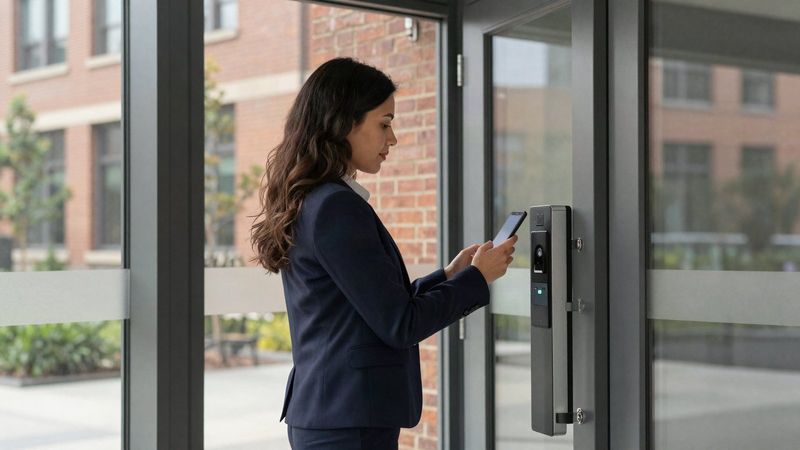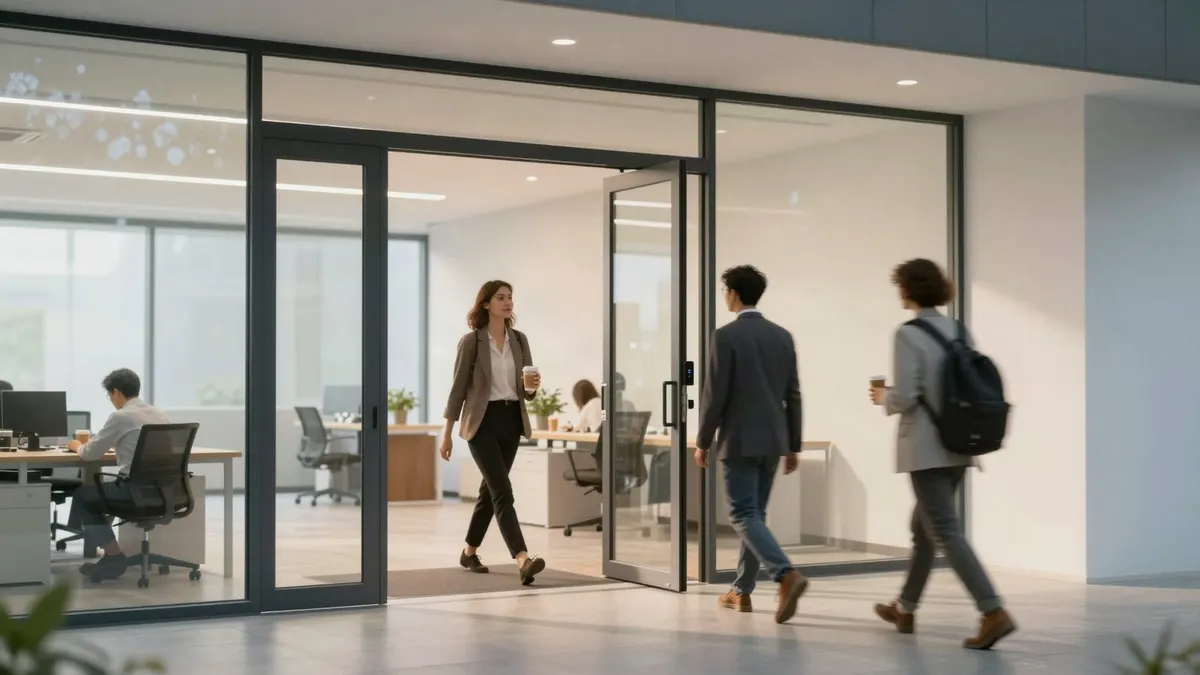
Short answer: A modern workspace no longer has one schedule. Hybrid staff come in on different days, visitors arrive through a front desk that may not be staffed, and rooms like the IT closet need tighter rules than the break room. Integrated access control handles that by giving each group its own doors and hours and tying every door event to camera video, the alarm and the intercom, so the office runs on rules instead of whoever has a key.
How the office changed, and why keys did not keep up
Consider a professional services firm in Brentwood with 40 people. Some are in Monday through Thursday, some twice a week, a few only for client meetings. The front desk is staffed until 3 p.m. There is a shared conference room, a file room, an IT closet and a back hall to the parking garage.
With keys, everyone who might ever need to open early gets a key to everything. With a basic standalone keypad, everyone shares the same code. Neither tells you who was in the office on a Saturday, and neither keeps the IT closet any tighter than the supply room.
Building rules around groups, not individuals
The work in a good system happens up front: deciding which groups exist and what each one needs.
- Full-time staff: main entrance and garage door during extended hours
- Hybrid staff: the same doors, with no need to manage which days they come in
- Partners or managers: after-hours access and the file room
- IT and the managed service provider: the network closet, nobody else
- Cleaning crew: their evening window, the doors on their route
When someone changes roles, you move them to a different group instead of rebuilding their access door by door. When they leave, their credential is shut off immediately, without rekeying a lock.
What "integrated" adds beyond the door
Door events with video attached
When access control is connected to your business security cameras, you can pull up video of who entered a door at a specific time. If a laptop goes missing from the conference room, you check the door record and the clip together instead of guessing.
Video intercom for an unstaffed front desk
After the receptionist leaves at 3 p.m., a courier or client can call from the entrance intercom. Someone inside, or a manager on their phone, sees who is there and lets them in. The entry is still recorded.
Alarm awareness
Integrating door access with the intrusion alarm means a forced door or an after-hours entry is easy to review, and the people who are allowed in at night are not setting off alarms that trained everyone to ignore them.
Interior zones that match risk
Not every door needs a reader. The ones that do are usually entrances, the IT closet, records rooms and anywhere with cash or controlled items. Interior readers on just those rooms give you most of the benefit.
Shared buildings and multi-tenant floors
In a building with several tenants, the lobby and elevators belong to the landlord and each suite belongs to its tenant. Access control can give each group exactly what it needs, and property managers can run several buildings from one dashboard with consistent rules at each site. If you lease space, ask your landlord what system the building uses before choosing your own, so your suite can work alongside it.
Planning checklist for an office project
- Walk every door and mark which ones need a reader now and which can wait.
- List user groups and their hours before anyone talks about hardware.
- Decide where cameras must see door activity, starting with entrances and the IT closet.
- Decide who receives intercom calls after the front desk closes.
- Choose who can add or remove people, and tie it to your hiring and offboarding steps.
Workspace access control questions
Can we manage everything ourselves?
Yes. You can add or remove people, change schedules, unlock a door remotely and check entry history from a phone or computer. We train your office manager during setup.
Can we keep our existing doors?
In most cases. We review your doors, frames and hardware and tell you which can take electronic locks or strikes and which need new hardware.
Do we need a server in the office?
Not necessarily. Many systems are managed in the cloud from a browser or app. We match the system to your building and how your team works.
Map your office before you buy hardware
We start every office project with a walkthrough of your doors, groups and schedule. Call our Smyrna office at (615) 223-9600 for Brentwood, Franklin, Nashville and the rest of Middle Tennessee, or our Chattanooga office at (423) 344-3787. See more about commercial access control in Nashville and how our access control systems are installed.