Short answer: Future-proofing a security system means choosing equipment and a platform that can grow with you without starting over: cameras and door hardware that a cloud platform can manage, one login that can hold more than one site, room to add features like AI alerts later, and a contract that does not trap you. The decisions that matter most are made before the first camera goes up.
What usually forces a rip-and-replace
Businesses rarely replace security systems because the cameras wear out. They replace them because the business changed and the system could not follow. The common triggers:
- A second location opens and the old recorder can only be viewed from inside the first building
- The owner wants alerts on a phone and the system was never built for remote access
- The person who knew the admin password left, and so did the installer
- A new feature, like license plate reads or smart alerts, is not supported by the old platform
Cloud-managed systems address most of these, but only if they are chosen with growth in mind.
Six questions to ask before you buy
1. Can one account manage more than one location?
Think about a company based in Smyrna that adds a branch in Cleveland in three years. If both sites can live in one dashboard with the same users and rules, the expansion is an install, not a new system. Turner sets up multi-site customers this way through our national and multi-site security programs.
2. Will my existing cameras connect?
Throwing out working cameras is the fastest way to waste a budget. The Eagle Eye cloud video platform Turner uses can connect most existing camera systems, and we review your cameras, recorder and network to confirm what can stay.
3. Can I add AI features later without new hardware?
You may not need smart alerts today. You want the option. AI video analytics can be added on the cloud platform later, including loitering alerts, vehicle rules and plate search, so the decision does not have to be made on day one.
4. Who owns the admin account?
Your business should hold administrator access to its own system, with the installer as a supporting user. Write down who the admins are and keep at least two.
5. What happens when the internet goes down?
Ask this directly about both cameras and doors. Recording and door behavior during an outage depend on the equipment and how it is configured, and you want the answer in writing before install, not after the first outage.
6. Am I signing a long contract?
A system that is supposed to adapt should not lock you in. Turner Security does not require long-term agreements on security or monitoring. We would rather keep your business because we did a good job.
Recorder or cloud? It is not all or nothing
Many businesses run a mix: local recording for some cameras with cloud management and remote access over the top. Which mix is right depends on the number of cameras, your internet connection and how long you need to keep video. Our guide to NVR vs. DVR vs. VMS explains the options in plain terms.
Door access belongs in the plan too
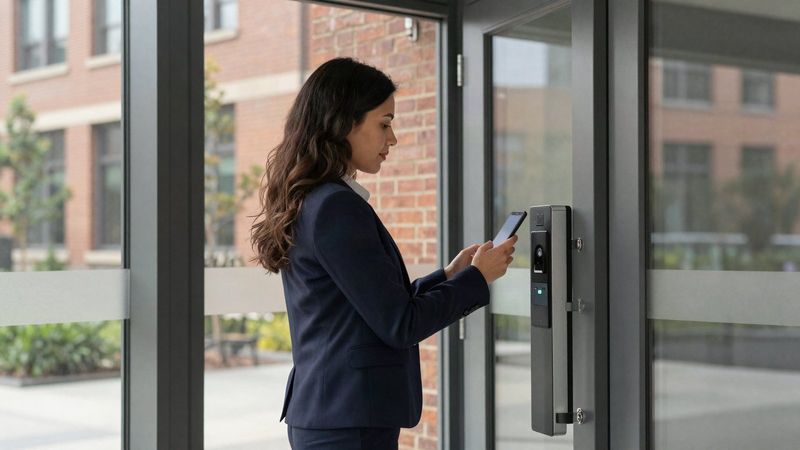
Cloud management is not just for cameras. Access control that you run from a phone or computer lets you add a person, change a schedule or manage several buildings from one dashboard. Choosing doors and cameras that can be managed side by side keeps the system from splitting into two separate projects later.
Future-proofing questions
Is cloud security more expensive over time?
It depends on the number of cameras, doors and features. Cloud platforms often mean an ongoing service fee with less hardware up front, while recorder-only systems put more of the cost at the start. We price both in writing so you can compare.
Can you take over a system another company installed?
In many cases, yes. We review what is in place, reuse what still works and tell you plainly what needs to be replaced.
Does the network matter?
A lot. Cameras and door controllers rely on it. Our sister company TechCore handles business IT, so the network and the security system can be planned together.
Plan for the business you will be in three years
Tell us where you expect to grow, and we will recommend a setup that will not need to be torn out when you get there. Call our Smyrna office at (615) 223-9600 for Nashville and Middle Tennessee, or our Chattanooga office at (423) 344-3787 for Chattanooga, Cleveland and north Georgia.