
● Guide
NVR vs. DVR vs. VMS: security camera recorders explained
The recorder decides what cameras you can use, how long you keep video and how easily you can find it. Here is the plain-English version.
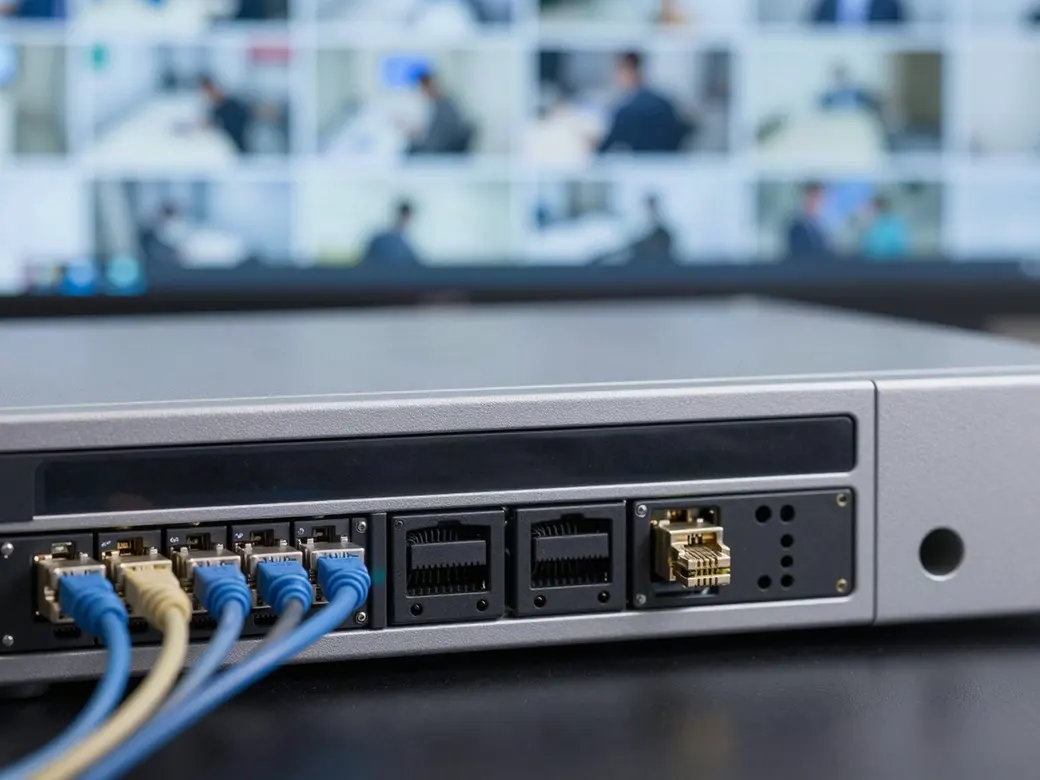
What is the difference between a DVR, an NVR and a VMS?
A DVR (digital video recorder) records analog or HD-over-coax cameras wired with coaxial cable; the video is converted to digital at the recorder. An NVR (network video recorder) records IP cameras over a network, usually powered with a single Ethernet cable using PoE.
A VMS (video management system) is software that runs on a server or in the cloud and manages many IP cameras, recorders and sites from one interface. Small sites often run fine on an NVR; larger, multi-site or integrated systems usually need a VMS.
- DVRAnalog or HD-over-coax cameras on coax cable
- NVRIP cameras over the network, often PoE
- VMSSoftware that manages cameras across sites
- HybridMixes existing coax cameras with new IP cameras
DVR, NVR and VMS compared
| DVR | NVR | VMS | |
|---|---|---|---|
| Cameras | Analog and HD-over-coax | IP cameras | IP cameras, usually many brands |
| Cabling | Coaxial cable, separate power | Ethernet, often PoE for power and data | Ethernet, network or cloud connected |
| Image quality | Good with modern HD-over-coax | High resolution and better analytics options | Depends on cameras; built for high camera counts |
| Scaling | Limited by recorder inputs | Limited by channels and storage | Scales across many cameras and locations |
| Remote viewing | App or browser, per recorder | App or browser, per recorder | One interface for every site |
| Analytics and integration | Limited | Camera-based analytics on many models | Analytics, access control and alarm integration |
| Best fit | Upgrading an older coax system on a budget | Most single-site businesses | Large buildings, campuses and multi-site companies |
How to choose
Start with what you already have and where you are going. If your building is wired with coax and the cameras are fine, a modern DVR or hybrid recorder can extend that investment. New installs and upgrades usually go IP with an NVR. If you have several buildings, need to search video across sites, or want cameras tied to access control, a VMS is worth it.
- How many cameras now and in three years
- How many days of video you need to keep
- Whether cameras must work with access control or alarms
- How many locations need one interface
Storage and retention
How long you can keep video depends on the number of cameras, resolution, frame rate, motion versus continuous recording, and the storage in the recorder. It is worth checking that the configured retention actually matches what the recorder holds, especially after adding cameras.
Common questions
Is an NVR better than a DVR?
For new systems, usually. NVRs record IP cameras that offer higher resolution, better analytics and single-cable PoE installs. A DVR still makes sense when you want to reuse existing coax cabling and cameras.
Can I use my old analog cameras with a new system?
Often, yes. A hybrid recorder or encoders can record existing coax cameras alongside new IP cameras, so you can upgrade in stages.
Do I need a VMS?
You likely need a VMS if you have many cameras, several locations, or want video tied to access control and alarms in one interface. A single small site usually does fine with an NVR.
How long should a business keep security footage?
It depends on how quickly you would notice an incident, any requirements that apply to your business, and your storage. Many businesses aim for at least 30 days, then size storage to match.
Can I view my cameras from my phone?
Yes. DVRs, NVRs and VMS platforms all support phone and browser viewing when they are set up and secured correctly on your network.

Looking for business IT?
Networks, IP phones, servers and managed IT are handled by our sister company, TechCore. Same owners, same local team, one call for security and IT.
- Managed IT
- Networks and Wi-Fi
- Servers and cloud
- Business IP phones
Five-star reviews from real customers
Clifton and Erica came to my property today to reconfigure our camera views. I emailed them late last night and Clifton was here first thing this morning. This company is outstanding and does exactly what they say they are going to do. Thank you Turner Security for always being responsive and professional.
Turner is extremely dedicated to its customers. They go above and beyond what is expected of them. Turner's resolve on all issues is to treat you as if you are their own family.
We have been with Turner Security for over 10 years. This company is a trusted leader in the industry. Their staff is not only friendly but also highly skilled, TJ in particular. TJ goes above and beyond to answer any questions and resolve any issues. I highly recommend Turner Security.
Not sure what recorder you have?
We'll look at your cameras and recorder and tell you what can stay and what should be upgraded.