Short answer: The access control advances that actually matter to most businesses are phone-based credentials, cloud management from any device, door events linked to camera video and managing many buildings from one account. The best upgrade path is usually to get rid of shared keys and codes first, then add features as they solve real problems.
The advances worth paying attention to
Mobile credentials
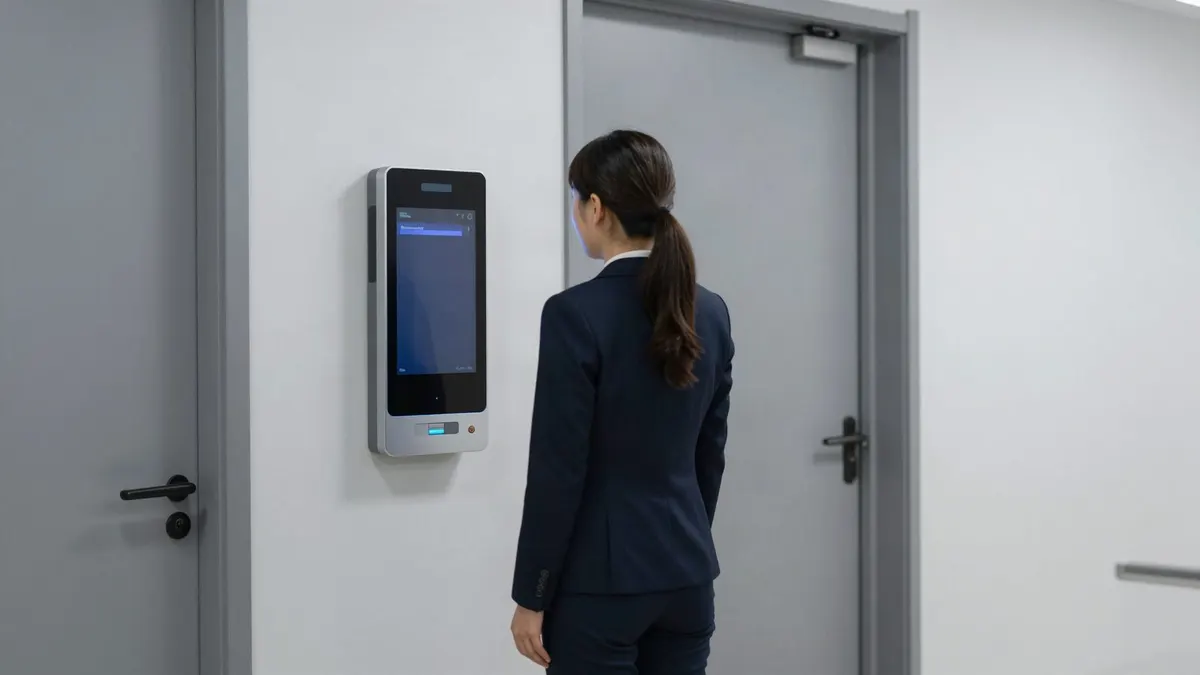
Staff open doors with their phone instead of a card or fob. Phones are rarely lent out the way cards are, and credentials can be issued or removed without anyone handing over plastic. Many businesses use phones for staff and keep cards for visitors and vendors.
Cloud management
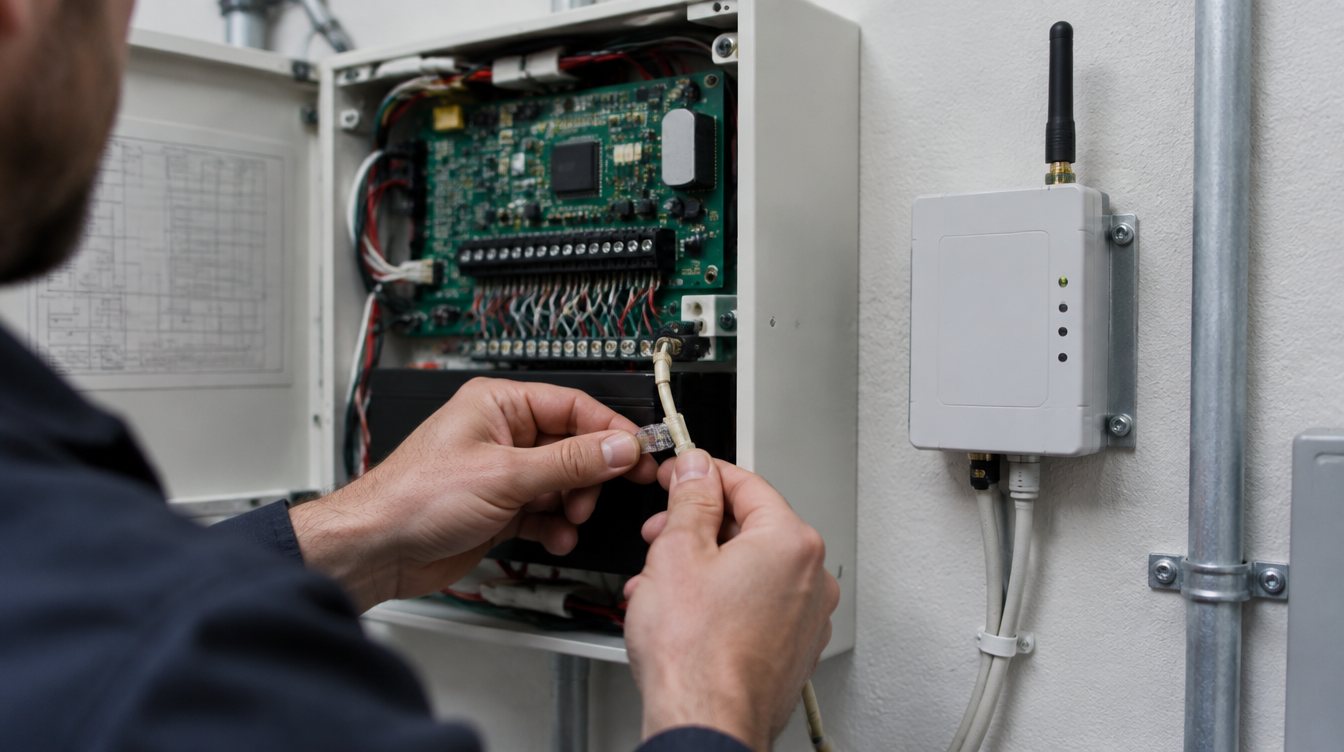
Add a new hire, shut off a departing employee or change a door schedule from a phone or laptop, without being at the building or calling the installer. It also keeps a history of who changed what, which helps when a question comes up later.
Door events linked to video
When a door is forced or opened after hours, the system ties the event to the camera footage so you can see who it was in seconds instead of scrubbing through recordings.
Multi-site management
One dashboard for every location, with the same roles and schedules everywhere and limited rights for local managers. This matters most for businesses that are adding locations, because each new site starts with the same standards instead of a new set of habits.
Video intercoms and gates
See who is at the door or gate before letting them in, which matters for after-hours deliveries, apartment entries and back-of-house doors.
Which ones fit which business
- Apartments and multifamily: phone credentials for residents, video intercoms at entries and gates, fast turnover when residents move out.
- Offices: cloud management, automatic lock and unlock schedules and same-day offboarding.
- Medical offices: restricted doors for medication, records and server rooms with entry history.
- Warehouses and yards: gate control, dock doors on schedules and video-linked door events.
How to upgrade without ripping everything out
- Start with what is hurting. Shared codes, lost keys and former employees with access are the usual problems.
- Inventory current hardware. Some readers, locks and wiring can often be reused depending on compatibility.
- Convert the most important doors first: main entries, back doors and rooms with valuables or records.
- Add mobile credentials for staff once the core system is in place.
- Connect cameras to the doors that matter most.
- Expand to other doors and sites as budget allows, on the same platform.
Questions to ask any provider
- Who owns the admin account, the business or the installer?
- What happens at each door if the internet goes down?
- Can the system grow to more doors and more sites without starting over?
- Does it connect to our cameras and alarm system?
- How long is the agreement, and what does it take to leave?
How Turner Security helps
Turner designs commercial access control around your doors, your people and your schedule, with key cards, fobs, PIN codes or phone credentials, tied to cameras, intrusion alarms, video intercoms and gates. We install and support systems from our offices in Smyrna and Chattanooga. Our help desk resolves most service issues remotely, we can often schedule service the same day you call and we do not require long-term contracts. If you are stuck with a provider who is slow to respond, our page on switching security providers covers what that involves.
Mistakes to avoid
- Paying for features nobody will use. Buy for the problems you have, on a platform that can grow.
- Leaving one master code in place after installing a modern system.
- Not deciding who manages it. Someone has to own adding and removing people.
Frequently asked questions
Are phone credentials reliable?
For most businesses, yes. Keep a card option for people without a compatible phone, for visitors and for backup.
Is cloud access control safe?
Use individual admin logins, strong passwords and limited rights for local managers, and know who at your installer can access the account.
Is it worth replacing keys entirely?
For exterior doors and sensitive rooms, usually. See our guide on access control vs keys.
Plan your next access control upgrade
Start with our commercial access control page and request a quote. Call our Smyrna office at (615) 223-9600 for Nashville and Middle Tennessee, or our Chattanooga office at (423) 344-3787.