Short answer: Real-time monitoring lowers risk because someone acts while a problem is happening, instead of you finding it on the recording the next morning. For a small business, the biggest gains are stopping after-hours trespassing, catching operational problems early and cutting down on false alarm calls.
The risks it actually helps with
Theft gets the attention, but real-time monitoring covers more of the day-to-day than most owners expect.
- After-hours break-ins at strip-center shops, restaurants and small offices, often through a back door facing an alley or rear lot.
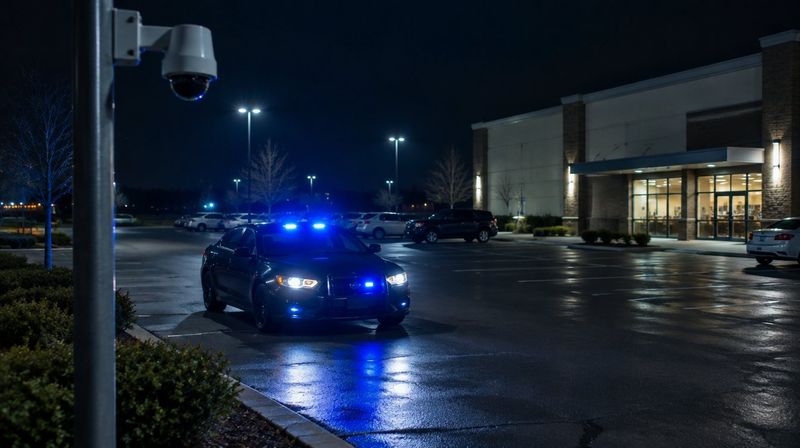
- People hanging around back doors, dumpsters and loading areas after closing, which tends to come before vandalism or a break-in.
- Vehicles in your lot or yard at night at equipment yards, contractors' shops and dealerships.
- Operational issues such as overfull dumpsters or conveyor counts that do not match, which AI video analytics can be set to flag.
- Doors left open after closing, which a camera can show and a monitoring agent can report.
Recorded, alarm-monitored and live-monitored are different things
- Recorded only: cameras save video. Someone has to notice a problem and go look. Useful for evidence, not for stopping anything.
- Alarm monitoring: a sensor trips and a central station calls you or dispatches police, usually without seeing what tripped it.
- Live video monitoring: an agent sees the camera, decides whether it is real, talks to the person through an on-site speaker and escalates if needed.
Our guide on live video monitoring vs alarm monitoring goes deeper on which fits which business.
How to set it up without paying for more than you need
- Pick the hours. Most small businesses need closing to opening, plus weekends and holidays. You do not need someone watching while your own staff is there.
- Pick the zones. The back door, the rear lot, the dumpster pad and the loading area usually matter more than the sales floor.
- Check the cameras that cover those zones. At night, lighting and camera angle decide whether an agent can tell a person from a shadow.
- Add a speaker where talk-down matters. A voice that describes someone's jacket and tells them they are on camera often gets a faster reaction than a siren alone.
- Write the call list. Decide who gets called, in what order, and when police should be called first.
- Review the event reports. After the first month, look at what triggered alerts and adjust zones and hours.
How Turner Security does it
With Turner's live video monitoring, monitoring agents watch your cameras during the hours you choose, speak to trespassers through on-site speakers and escalate based on your instructions. We can add AI video analytics on the Eagle Eye platform to most existing camera systems, so alerts focus on people and vehicles in the areas you care about, plus things like loitering beyond a set time or an overfull dumpster.
When a camera drops offline, our help desk resolves most service issues remotely, and when a technician is needed we can often schedule service the same day you call. There is no long-term contract on monitoring.
Mistakes small businesses make
- Relying on motion alerts to your phone. After a week of alerts from passing headlights, most owners stop looking.
- Cameras that only cover the register. The register camera rarely sees the break-in. Cover the doors and the lot.
- No lighting at the back of the building. Even good cameras struggle when the rear lot is completely dark.
- Never testing the call list. Make sure the numbers work and the people on it know they are on it.
Frequently asked questions
Can I still watch my cameras on my phone?
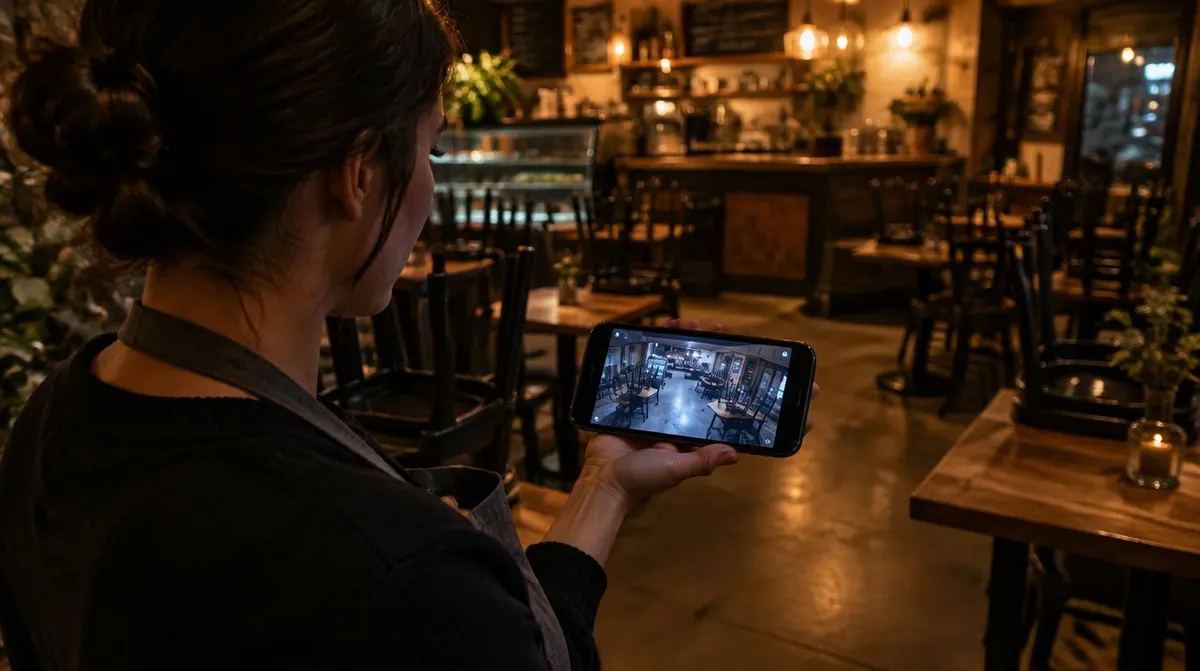
Yes. Live monitoring does not take away your own access. You keep your app and the agents handle the hours you are not watching.
Will monitoring work with the cameras I already have?
Often, yes. Many existing systems can be connected, and AI analytics can be added to most of them. A walkthrough shows which cameras are usable and where a speaker or extra camera is needed.
Do I have to sign a long contract?
Not with Turner. We do not require long-term agreements on security or monitoring.
See if live monitoring fits your business
Learn more about live video monitoring and request a quote. Call our Smyrna office at (615) 223-9600 for Nashville and Middle Tennessee, or our Chattanooga office at (423) 344-3787.