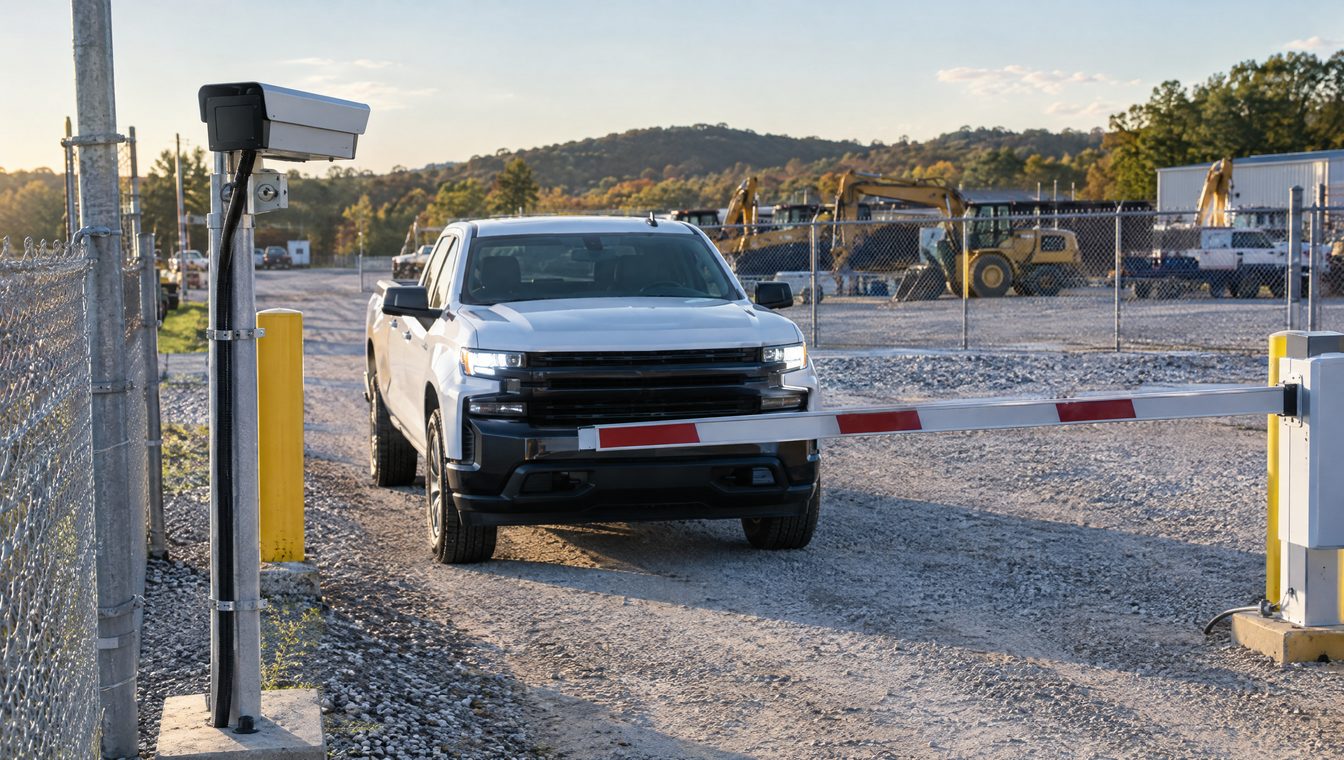

Short answer: Most businesses keep security camera footage for 30 days, and businesses with more theft, injury or liability exposure often keep 60 to 90 days. Pick the period based on how long it usually takes you to find out something went wrong, such as an inventory shortage, an injury claim or an employee complaint, and add a margin. Once you know about an incident or a likely claim, save that footage separately right away so it is not overwritten, no matter what your normal retention period is.
For most private businesses, the number of days is a policy decision, not a figure set by statute. Contracts, insurance policies, franchise or lease terms and rules for specific regulated industries can change that, so check yours.
Is there a law that says how long a business must keep footage?
For most private businesses, retention is set by your own policy. Where outside requirements exist, they usually come from:
- Industry regulators. Some regulated industries, such as banking, gaming or certain government work, have their own video rules. Check yours.
- Contracts. Leases, franchise agreements, government contracts and customer contracts sometimes set retention or security requirements.
- Insurance. Some carriers ask about video retention when they underwrite or renew a policy.
- Pending claims or lawsuits. Once a claim is likely, the duty to preserve relevant evidence takes over (more on that below).
If any of these apply to you, follow the longest requirement. If you're not sure, ask your attorney or your insurance agent. That is a short conversation and it sets a defensible number.
How long do most businesses keep footage?
Industry guidance commonly treats 30 days as the baseline for small and mid-size organizations, with 60 to 90 days for sites that carry more risk. Here is a practical way to think about it by type of site. These are starting points, not rules.
| Type of site | Common starting point | Why |
|---|---|---|
| Offices with low public traffic | 30 days | Most problems are noticed within days |
| Retail, restaurants and hospitality | 60 to 90 days | Slip-and-fall and customer claims often arrive weeks after the visit |
| Warehouses, distribution and manufacturing | 60 to 90 days | Shrink and missing inventory often surface at a cycle count or month-end |
| Equipment yards, dealerships and job sites | 60 to 90 days | Theft may not be noticed until equipment is needed |
| Medical offices and property managers | 30 to 90 days | Depends on contracts, tenant agreements and claim history |
Not every camera needs the same period. Entrances, cash areas, docks and parking lots may justify longer retention than a break room hallway.
What should you do with footage after an incident?
Normal retention means the recorder quietly overwrites the oldest video. That is fine until something happens. When an incident occurs, or when someone tells you they were hurt, threatens a claim or files a complaint, act right away:
- Export the clip from before the event through after it, from every camera that saw any part of it.
- Keep the original export unchanged and work from copies.
- Write down who exported it, when and from which system.
- Stop routine deletion of anything related if a claim or lawsuit is likely. Your attorney may call this a litigation hold.
Tennessee courts take lost evidence seriously. In Tatham v. Bridgestone Americas Holding, Inc. (2015), the Tennessee Supreme Court held that a court does not need to find intentional misconduct before it can sanction a party for destroying or losing evidence. Courts look at the whole picture, including whether the party knew or should have known the evidence mattered to likely litigation. "It was overwritten automatically" is not a reliable defense once you knew there was a problem. This is general information, not legal advice, so talk to your attorney about your situation.
We cover how footage helps (and hurts) in injury and property claims in security footage and liability claims.
How much storage does a longer retention period take?
Storage grows in a straight line with cameras and days. A simple rule of thumb: each 1 Mbps of continuous recording uses about 10.8 GB per camera per day.
Storage = bitrate (Mbps) × 10.8 GB × cameras × days
What changes the bitrate:
- Resolution. Higher resolution means more data per second.
- Compression. H.265 commonly cuts file sizes by roughly 30 to 50 percent compared with H.264 at similar quality.
- Frame rate. Fewer frames per second means less storage, with less smooth motion.
- Motion vs. continuous recording. Motion or event recording can cut storage by half or more on quiet scenes. The trade-off is that you may miss the seconds before motion starts.
- Scene activity. A busy parking lot uses more data than an empty hallway.
Here is an illustration for 16 cameras recording continuously at about 4 Mbps each (a common figure for 4-megapixel cameras using H.265):
| Retention | Raw storage needed |
|---|---|
| 30 days | About 21 TB |
| 60 days | About 41 TB |
| 90 days | About 62 TB |
Real-world builds add headroom for RAID redundancy and free space, often 40 to 60 percent above the raw number. Your actual figures depend on your cameras and settings, which is why retention should be part of the system design, not an afterthought.
Should footage live on an NVR or in the cloud?
- On-site NVR: retention is limited by the drives you buy. When they fill, the oldest video is overwritten. Adding retention means adding drives. There is no monthly storage fee, but a stolen or damaged recorder can take the footage with it.
- Cloud: retention is usually a plan you choose per camera (for example 30, 60 or 90 days) and pay for monthly. Footage stays off-site and can be reached from anywhere.
- Hybrid: recording stays on site for full quality, with key cameras or event clips copied to the cloud.
For a deeper comparison of recorder types, see NVR vs. DVR vs. VMS.
What about privacy?
Longer is not always better. Keeping footage you don't need means more storage cost and more video that could be requested in a dispute. A few practical rules:
- Limit access. Decide who can view and who can export, and use separate logins so you can tell who did what.
- Keep cameras out of private spaces such as restrooms and locker rooms.
- Be careful with audio. Recording conversations is a different legal question than recording video. Tennessee's recording law is built around consent of a party to the conversation, so talk to your attorney before turning on audio at a business.
- Write the policy down: the retention period, who can access footage and how incidents are preserved. Review it once a year.
FAQ
Is 30 days of footage enough?
For many offices, yes. If your business deals with injury claims, inventory loss or disputes that tend to surface weeks later, 60 to 90 days is safer.
Can I keep some cameras longer than others?
Yes. Most recorders and cloud platforms let you set retention by camera, so you can keep entrances and cash areas longer than low-risk areas.
Does live monitoring change how long I need to keep footage?
No. Live video monitoring helps respond while something is happening, but you still need recorded footage for investigations and claims.
What happens when the NVR drive fills up?
Most recorders overwrite the oldest video automatically. That is normal, which is why anything tied to an incident should be exported before it ages out.
Set retention when you design the system
Turner Security designs and installs business security camera systems for companies in Nashville, Middle Tennessee, Chattanooga and North Georgia, with NVR, cloud and hybrid options. We'll help you set a retention period that fits your risk and size the storage to match, then give you a free quote.