Short answer: Most businesses need one camera for every exterior door and drive lane, plus coverage of the parking lot, loading areas and any room where cash, inventory or sensitive equipment is kept. The exact count depends less on square footage and more on how many places people and vehicles come and go.
There is no single number that fits every building. A 5,000 square foot office with one entrance can need fewer cameras than a smaller shop with three doors and a back lot. The better question is: which spots do you need clear video of when something goes wrong?
Step 1: Count every way in and out
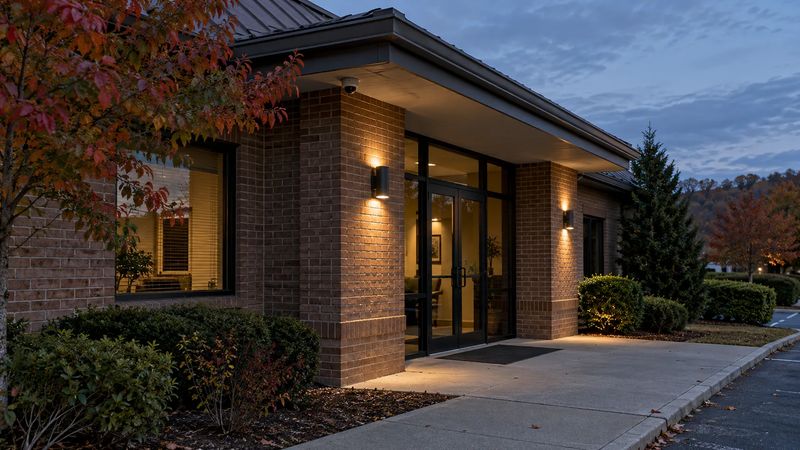
Start with entry points, because that is where you get the most useful footage.
- Every exterior door, including back doors and employee entrances.
- Every vehicle entrance, gate or drive lane.
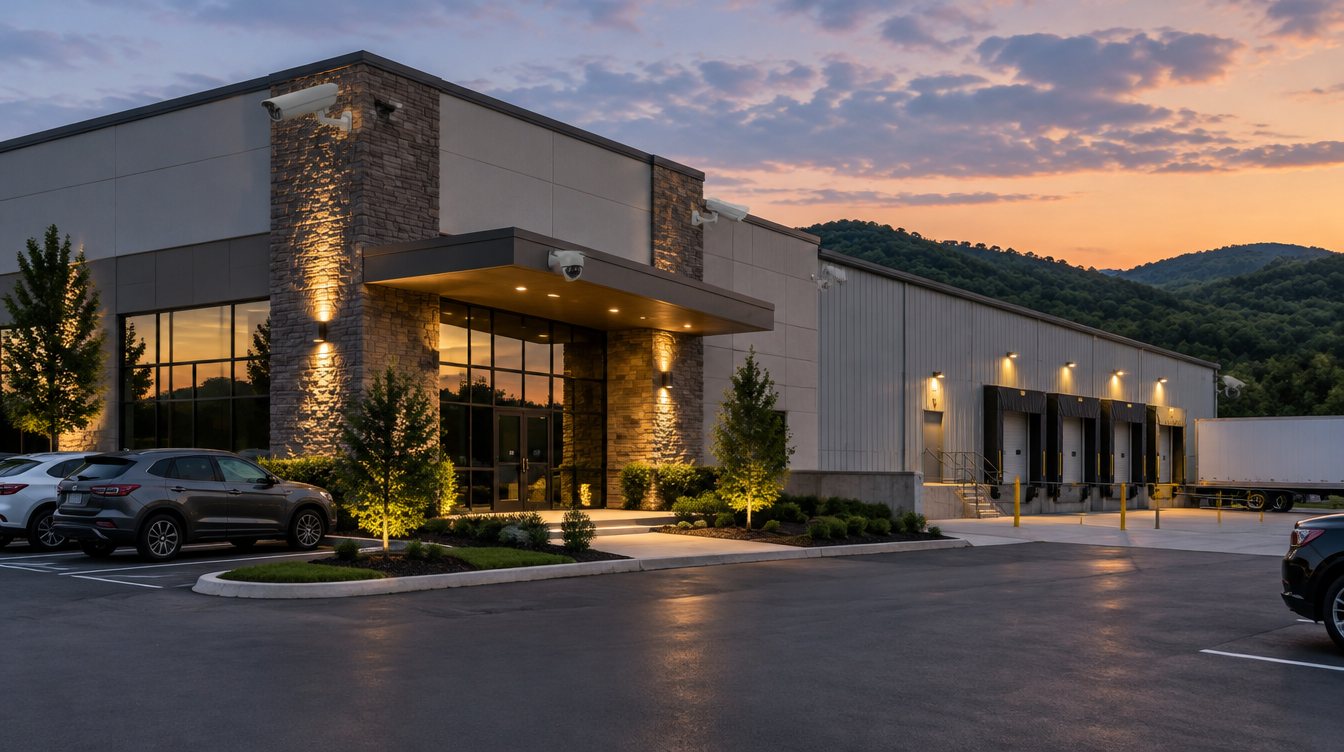
- Loading docks and roll-up doors.
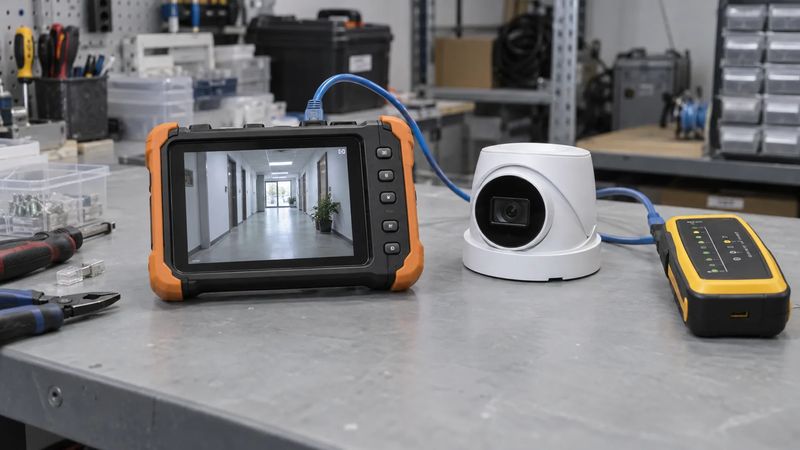
For doors, the goal is a clear view of faces, not the tops of heads. That usually means a camera mounted at a reasonable height and aimed at the path people walk, not a wide shot from a high corner.
Step 2: Add the areas outside the building
Next, look at the property around the building.
- Parking lots. Large lots often need several cameras, or fewer cameras with the right lenses for distance.
- Fence lines and storage yards. Equipment, vehicles and materials stored outside are common theft targets.
- Dumpster and back-of-building areas, where trespassing and illegal dumping often happen.
Lighting matters here. Cameras chosen for low light and long distance can cover more ground, which can reduce the total count.
Step 3: Cover what is valuable inside
Inside the building, focus on the places where losses or disputes actually happen.
- Cash registers and safes.
- Inventory and stock rooms.
- Warehouse aisles and production areas.
- Server or network closets.
- Main hallways that connect key areas.
You usually do not need a camera in every room. Covering the paths between rooms often tells you more.
Step 4: Decide how you will use the video
The way you plan to use your cameras affects the count and the type of camera.
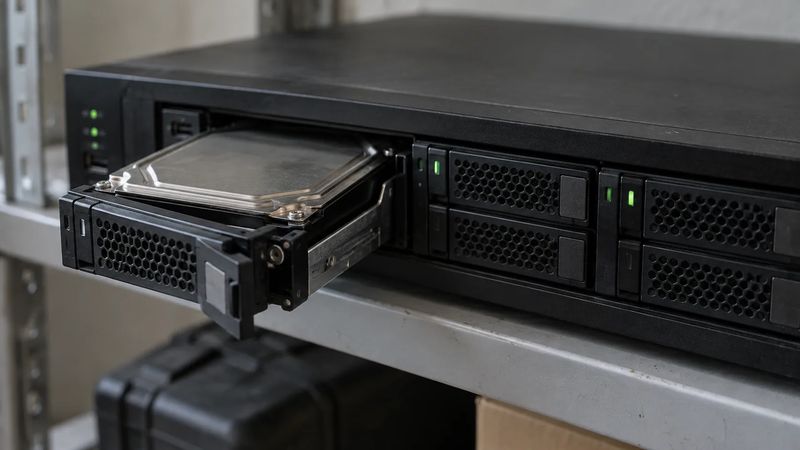
- Reviewing incidents after the fact needs clear, well-placed cameras and enough storage to keep footage for as long as you need it.
- Watching live from your phone needs good remote viewing setup.
- Live video monitoring needs cameras placed so agents can see an entire area and speakers where they can talk to someone on site.
Typical starting points
These are rough starting points, not quotes. Every site is different.
| Type of business | Where most plans start |
|---|---|
| Small office | Front and back doors, reception, network closet |
| Retail store | Entrance, registers, stock room, back door, parking |
| Warehouse | Every dock and door, aisles, yard, fence line, lot |
| Church or school | All entrances, main hallways, lots, playground or field |
| Car lot or equipment yard | Gate, lot rows, fence line, building entrances |
Common mistakes that waste money
- Buying a package before walking the site. A fixed kit rarely matches how a building is actually used.
- Mounting cameras too high. You get the tops of heads instead of usable faces.
- Ignoring storage. Too little recording space means footage is gone before you need it.
- Forgetting existing cameras. Some current cameras can often be kept, which lowers the cost.
Frequently asked questions
How many cameras does a small business need?
Many small businesses start with four to eight cameras: one per door, one or two for the parking area and one or two for the most valuable inside areas. A walkthrough tells you whether you need more or fewer.
Is it better to have more cameras or better cameras?
Usually better placement and the right camera for each spot beat a large number of cheap cameras. One well-chosen camera at a door can be worth more than three poorly aimed ones.
How much do business security cameras cost?
Cost depends on the number and type of cameras, the recorder and storage, and how much wiring the building needs. Our business security system cost guide covers the main factors.
Can my existing cameras be reused?
Often, yes. We check what still works, fix gaps and upgrade only what needs it.
Get a camera plan for your building
Turner Security plans and installs business camera systems across Nashville, Middle Tennessee, Chattanooga and North Georgia. We walk your property, mark the spots that matter and give you a written plan with camera locations and a price.
Call our Middle Tennessee office at (615) 223-9600 or our Chattanooga office at (423) 344-3787, or request a proposal online.