Short answer: Access control protects your business data by limiting who can physically reach the places it lives, like the server closet, the network rack, the records room and the office where laptops sit overnight, and by logging every entry. Firewalls and passwords do little good if someone can walk into an unlocked room and carry the hardware out.
Most data protection plans focus on cyber threats, and they should. But plenty of data losses start with physical access: a stolen laptop, an open file room, a former employee whose key still works. Here is how access control closes that gap.
Where your data physically lives
Walk your building and list every spot where sensitive information sits. For a typical office in Smyrna, Murfreesboro or Chattanooga, the list looks something like this:
- The network closet or server room, with the firewall, switches and any on-site server or backup drive.
- Records rooms and file cabinets holding HR, payroll, patient or customer files.
- Private offices where laptops are left overnight.
- The camera recorder, which holds video of who came and went.
- Shared copiers, which may store scanned documents.
Many of these rooms are secured by an ordinary key or by nothing. In a lot of small offices, the network closet doubles as the supply closet that half the staff can open.
What access control changes
Separate permissions for sensitive rooms
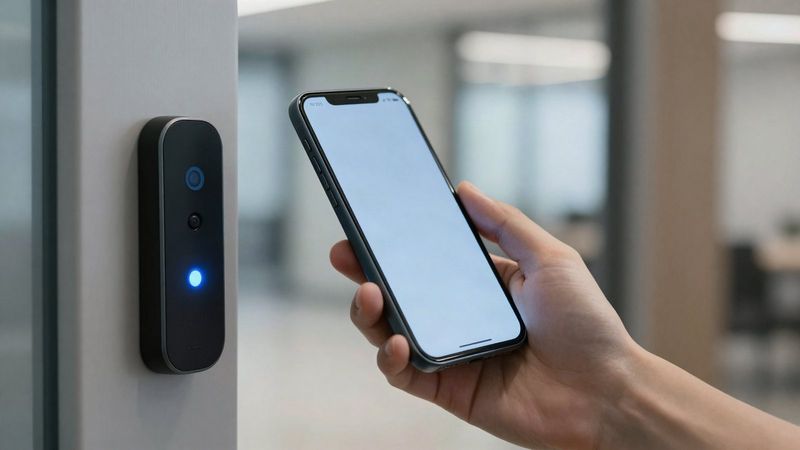
With commercial access control, the server room does not share permissions with the front door. You can limit it to the owner, the office manager and your IT provider, while everyone else's credential keeps working everywhere they actually need to go.
A record of every entry
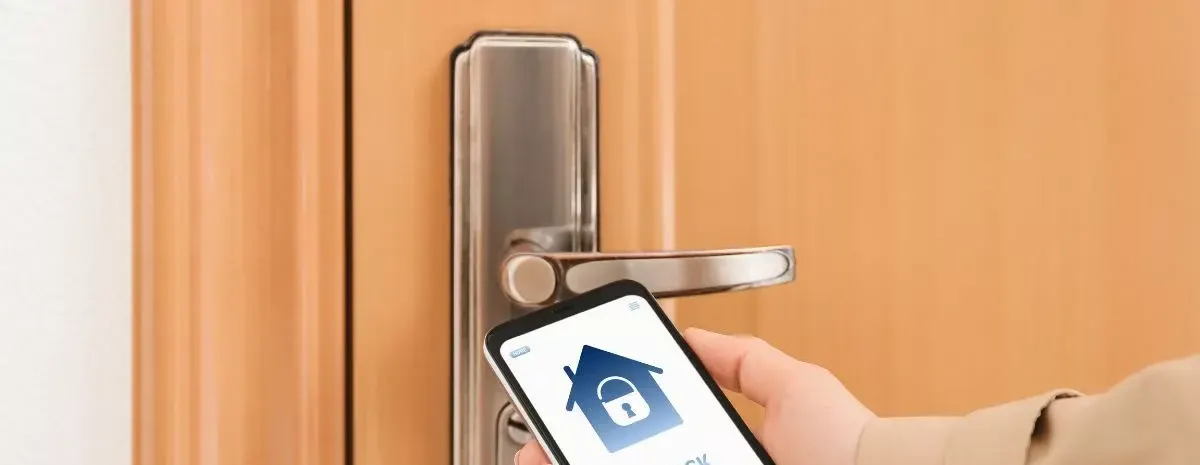
Each card, fob or phone credential belongs to one person, so the system logs who opened which door and when. If a laptop disappears from an office over a weekend, you can see who entered that area instead of guessing.
Same-day removal when someone leaves
Turnover is where key-based buildings leak access. With credentials, you remove a departing employee from every door in minutes, without rekeying. Our guide to access control vs keys covers this in more detail.
Video tied to the door
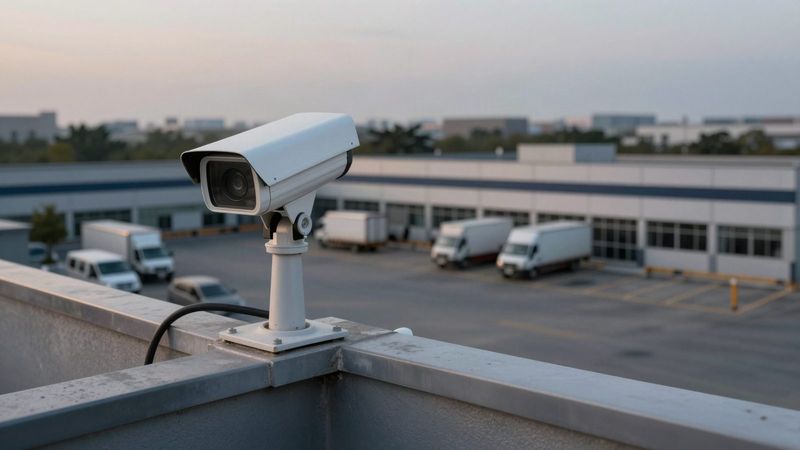
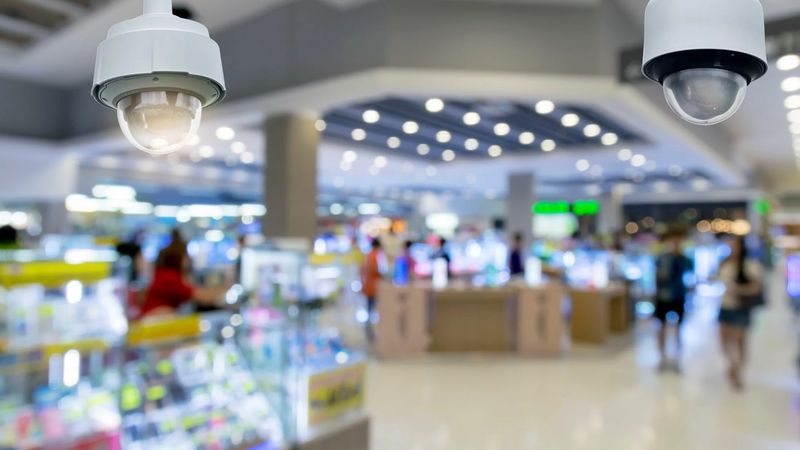
Put a camera on the door to your server or records room and the access log and the video confirm each other. That matters when a credential has been loaned or shared.
What the law expects
Two rules are worth knowing. Tennessee's breach notification law (Tenn. Code Ann. 47-18-2107) generally requires a business that owns or licenses computerized personal information of Tennessee residents to notify affected people no later than 45 days after discovering a breach. Personal information under that law includes a name combined with a Social Security number, a driver license number, or a financial account or card number along with the code needed to access it. A stolen laptop or drive holding that kind of data can start the clock.
For medical practices and other HIPAA covered entities, the facility access controls standard in the HIPAA Security Rule (45 CFR 164.310) calls for policies and procedures that limit physical access to electronic information systems and the facilities that house them, while still allowing authorized access. It also includes documenting repairs and changes to security-related parts of the facility, such as doors and locks. Entry logs support both. Ask your attorney or compliance advisor how these apply to your business, and see our page for medical offices for the physical security side.
Where IT fits
Access control locks the room. IT protects what is inside it: encrypted laptops, backups, firewalls and user accounts. Turner Security and TechCore, our sister IT company, work as one team, so the people planning door access for your network closet already know what is in it.
Frequently asked questions
Does a small office really need access control on the server closet?
If that closet holds your firewall, server or backup drive, yes. It is often the one room where a person with a few unsupervised minutes could do the most damage, and securing a single door is a small project compared with a whole building.
Can access control logs help after a theft?
Yes. Logs show which credential opened which door and when. Paired with video, they narrow down who was in an area and give police or your insurer a clear timeline.
Is a keypad code good enough for a server room?
A shared code beats an unlocked door, but it does not tell you who entered, and it stays valid until you change it for everyone. Individual credentials do both jobs.
Start with the room that matters most
If you only change one door this year, make it the one in front of your network gear or your records. Turner Security can add a reader to that single door or plan access for the whole building, with no long-term contract. See our commercial access control services, or call (615) 223-9600 in Smyrna or (423) 344-3787 in Chattanooga.