Short answer: Regular maintenance keeps your security system working on the night you need it, because most failures are silent: a camera that stopped recording three weeks ago, a recorder drive that filled up, a worn backup battery in the alarm panel. A simple monthly, quarterly and yearly routine catches those problems before an incident exposes them.
Most business owners find out a system has a problem when they go looking for footage and it is not there. This post covers what tends to fail, a checklist you can hand to an office manager and when to call for help.
The failures that do not announce themselves
Cameras that are on but not useful
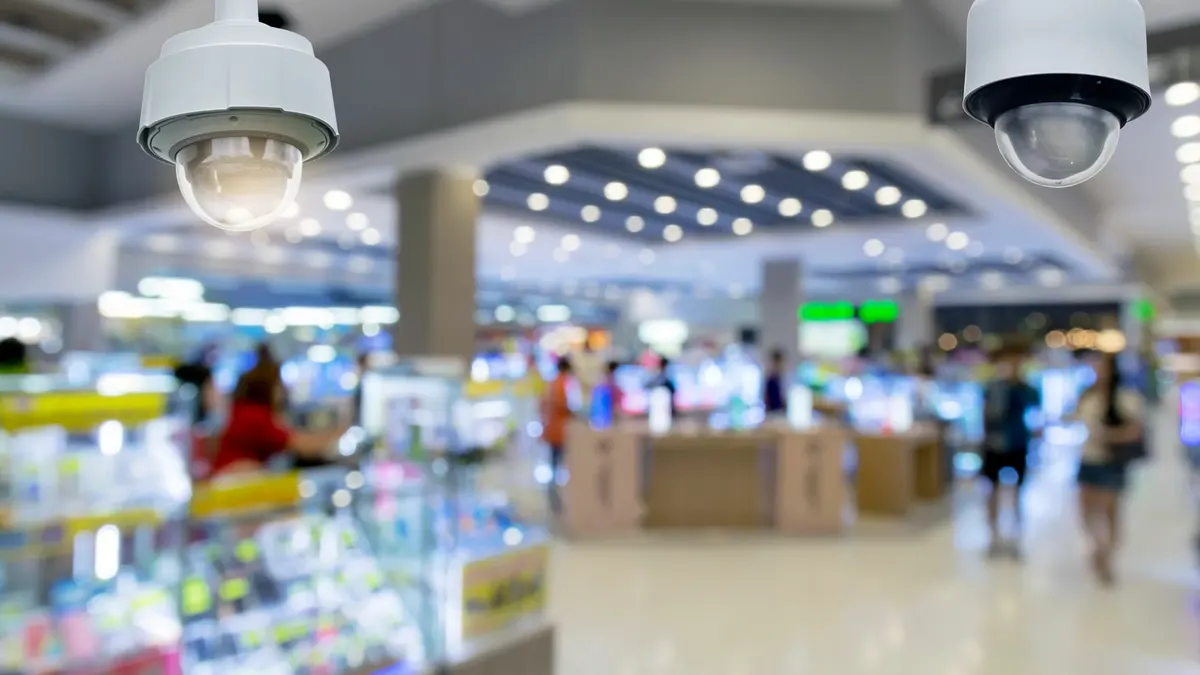
A camera can show a live picture and still be failing you. Spider webs across the lens trigger motion all night. Spring pollen hazes the dome. A tree limb that was a twig at install now blocks the view of the back gate. Infrared illuminators can fail, so a camera that looks fine at noon goes dark after sunset.
Recorders that stop saving video
Hard drives wear out. When one fails or fills up, some recorders keep showing live video while saving nothing. Storm-related power interruptions can also reset settings or scramble the recording schedule.
Alarm panels that cannot reach anyone
Backup batteries in alarm panels and door controllers weaken over time, and a weak one may not carry the system through an outage. Communicators that depend on a copper phone line can lose their path when that line is changed or dropped, and nobody notices until a signal does not go through.
Doors that do not latch
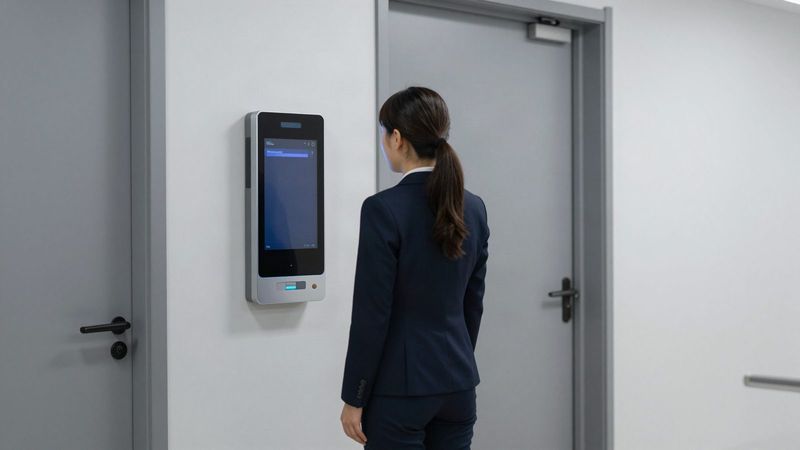
Access control is only as good as the door it controls. A closer that needs adjusting, a strike out of alignment or a door propped open with a wedge leaves the building exposed while the card reader works perfectly.
A practical maintenance checklist
Monthly
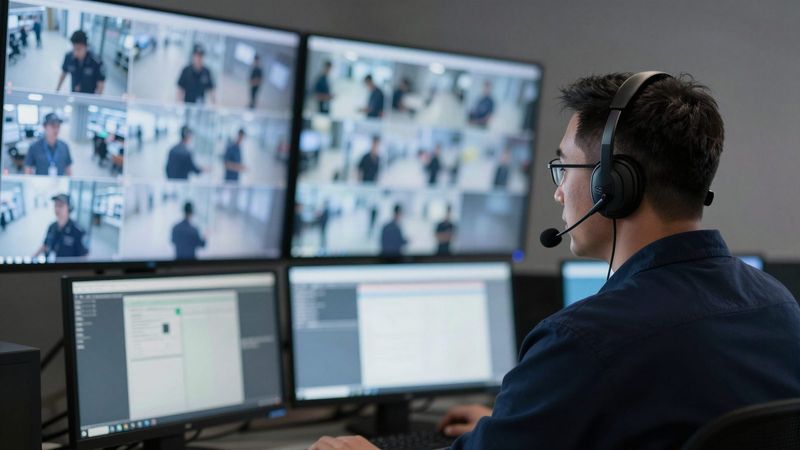
- Pull up every camera, day and night view, and confirm it is recording, not just showing live video.
- Play back a clip from a week ago to confirm video is being kept as long as you expect.
- Walk the exterior doors and confirm each one closes and latches on its own.
- Remove door and camera access for anyone who left the company.
Quarterly
- Clean lenses and housings, especially outdoor and loading dock cameras.
- Compare each camera angle against what you need to see, then trim trees and move stacked inventory that blocks the view.
- Test alarm sensors in coordination with your monitoring center so a test does not trigger a dispatch.
- Review who has admin logins on the camera, alarm and door systems.
Yearly
- Have a technician inspect panels, batteries, power supplies and recorder drives.
- Confirm firmware and software are current.
- Review how your alarm communicates and whether that path is still reliable.
- Reassess coverage if you added a building, a parking area or a new entrance.
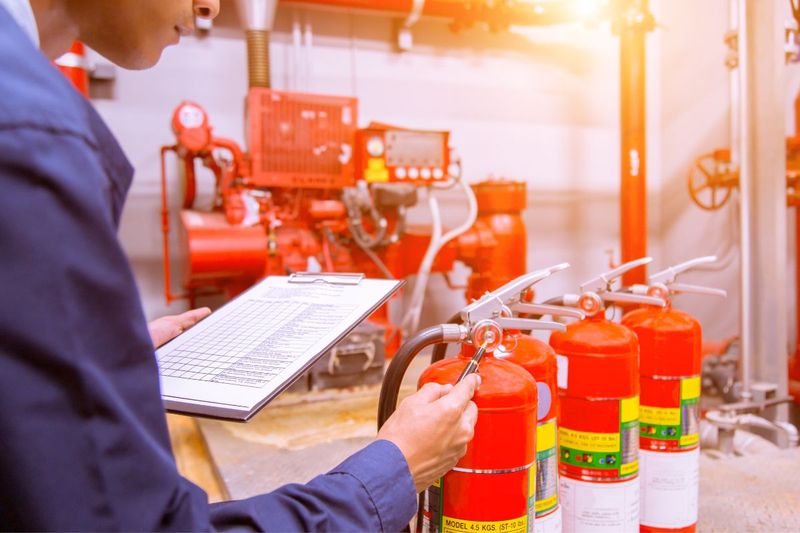
Fire alarm systems carry their own inspection and testing requirements, set by code and enforced locally, so keep them on a separate schedule with a qualified provider. See our commercial fire protection services for that side.
How service works with Turner Security
When something on the checklist looks wrong, call the Turner Security help desk first. Most service issues, like a camera that dropped offline, a login problem or a recording setting, are resolved remotely without waiting on a truck. When the problem needs hands on the equipment, we can often schedule service the same day you call. If another company installed your system, we can usually look at it and tell you what can be kept and serviced. Our page on switching security providers covers how that works.
Frequently asked questions
How often should a business security system be serviced?
Do quick checks yourself monthly and quarterly, and have a technician inspect the system at least once a year. Dusty or exposed sites, like a gravel equipment yard in La Vergne or a busy warehouse dock in Chattanooga, may need lens cleaning and angle checks more often.
Can you service a system another company installed?
In many cases, yes. Turner Security can often take over and service existing camera, access control and alarm equipment, and we will tell you plainly when something is past its useful life.
What should I do if a camera stops recording?
Note which camera it is and when you noticed, then call the help desk. Many recording problems can be diagnosed and fixed remotely.
Get a second set of eyes on your system
If it has been more than a year since anyone checked your cameras, recorders and alarm batteries, schedule it now rather than after a break-in. Existing customers can request service online, or call Smyrna at (615) 223-9600 or Chattanooga at (423) 344-3787 and ask the help desk to look at your system remotely first.