Short answer: Bluetooth access control turns an employee's phone into the door credential, so you can issue, change or cancel access from anywhere without printing a card or meeting someone to hand over a fob. It is worth it when people come and go often, when you manage more than one building, or when you give temporary access to vendors. Cards or fobs still make sense for staff who do not carry a phone at work.
How a phone opens a door
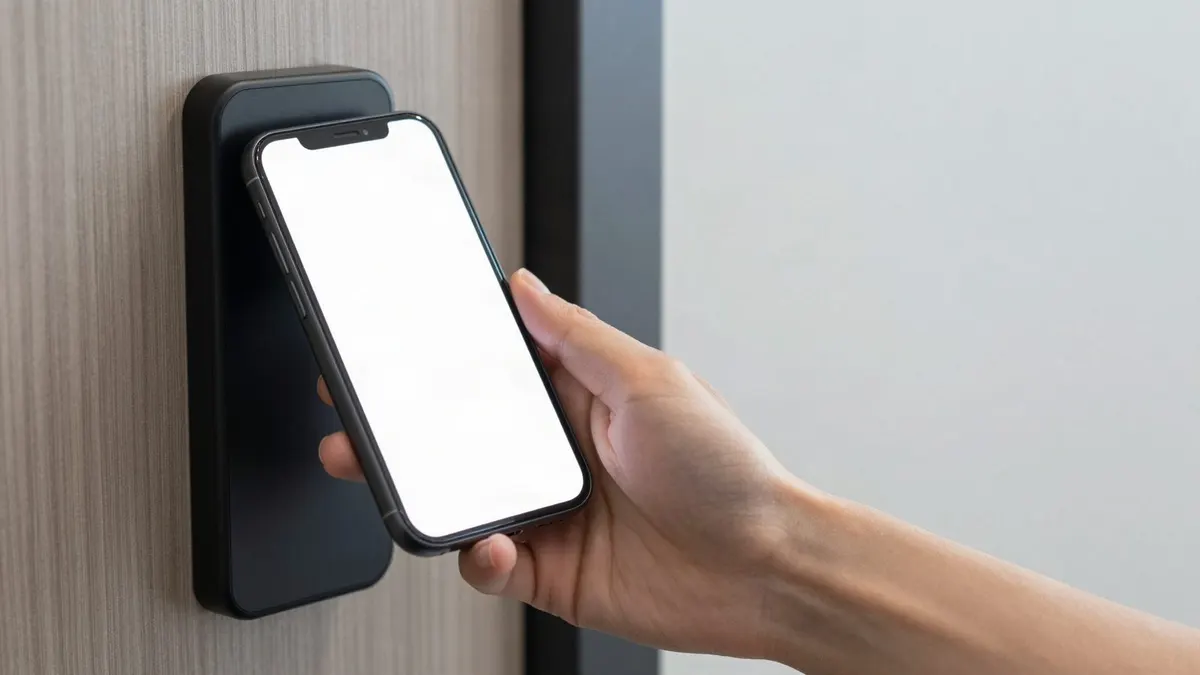
A mobile credential lives in an app on the user's phone. Many current door readers use Bluetooth to talk to that phone when the person walks up, and depending on how the reader is set, they tap the reader, wave a hand near it or press a button in the app. The reader checks the credential against the system's rules for that door and time, then unlocks or stays locked. Every attempt is logged.
The phone is not a copy of a key. It holds a credential that you control from the management software, which is why it can be turned off in seconds.
Where phone access beats cards and fobs
Access that arrives before the person does
A new hire at your Gallatin office can have a credential on their phone before their first morning. With cards, someone has to print or program one and get it to them, which often means the new person waits in the lobby on day one.
Vendors and contractors on a timer
The cleaning crew, the sprinkler inspector, a contractor on a two-week project. Each can get access limited to the doors and days they need, sent to their phone, and it expires when the work is done. No fob to chase down when they leave.
More than one building
If you run an office in Smyrna and a shop in Chattanooga, one credential can open the right doors at both, managed from one dashboard with the same rules at each site.
Fewer lost credentials
People leave badges in other jackets and lose fobs in parking lots. They rarely walk out of the house without their phone.
When cards or fobs are still the better fit
Phone access is not right for every person or every door. Honest reasons to keep physical credentials for some users:
- Staff who do not have a company phone and do not want a work app on their personal one
- Areas where phones are not allowed or are kept in lockers
- Shared tablets or kiosks where nobody has their own device
- People who would be stuck if their phone battery dies at the end of a long shift
Most businesses end up mixing credentials: phones for managers, office staff and vendors, cards or fobs for the warehouse floor. The systems Turner installs let you choose key cards, fobs, PIN codes or phone-based credentials and mix them across user groups like staff, vendors and tenants.
What to check before you switch
- Your doors and hardware. Many existing doors can be fitted with electronic locks or strikes, and some need new hardware. We look at each one.
- Which user groups get phones first. Starting with managers and vendors keeps the rollout simple.
- Who manages it. Decide who can issue and revoke credentials, and make it part of your hiring and offboarding steps.
- How it ties into cameras and alarms. Door events can be linked to camera footage so a strange entry is easy to review.
- Power and fire code. Each door is set to fail safe or fail secure, and systems are planned with battery backup.
If you are still on metal keys and wondering whether any of this is worth it, our access control vs. keys guide walks through the tradeoffs.
Phone access questions
What happens if someone's phone dies?
That is the main reason to give some people a backup card or fob, or a PIN at key doors. We help you decide which users and doors need a fallback.
Can I issue phone credentials remotely?
Yes. You can add or remove people, change schedules and unlock a door remotely from a phone or computer.
Can I add phone access to my current system?
Sometimes. It depends on the readers and software already installed. We review your existing system during the walkthrough and tell you what can stay and what needs to change.
Plan a phone credential rollout
Read how our commercial access control systems are planned and installed, or tell us how many doors and people you have and we will map out which users should go mobile first. Call our Smyrna office at (615) 223-9600 for Middle Tennessee, or our Chattanooga office at (423) 344-3787, where we also handle commercial access control in Chattanooga.