Short answer: The real benefit of security automation for a small business is that the opening and closing routine stops depending on whoever happens to be working that day. Doors lock and unlock on a schedule, each person has their own alarm code so you can see who opened and closed, and cameras only alert you when something you care about happens after hours.
The chores automation takes off your plate
Think about a small shop in Mt. Juliet with an owner and three employees. Every day someone has to unlock the front door, remember the side door, arm the alarm at close and check that the back door actually latched. On the day the closer is out sick, one of those steps gets missed. Automation is about removing those daily memory tests.
Doors that follow your hours
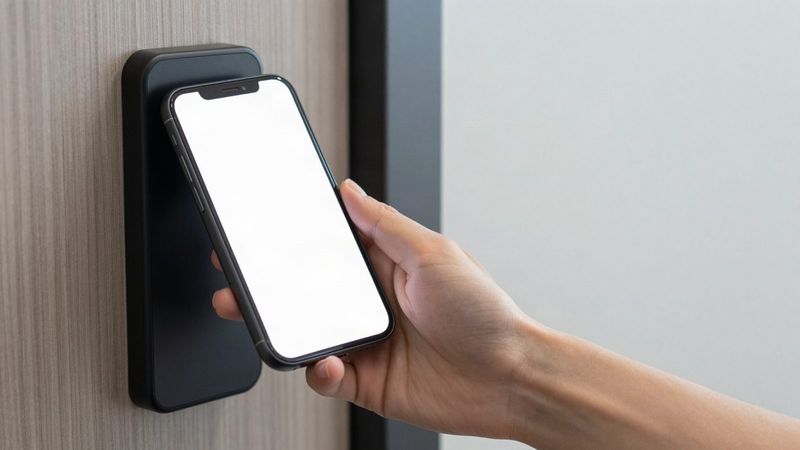
With electronic door access, the front door can unlock at opening time and lock again at close without anyone touching a key. Staff use a card, fob or phone at other doors, and side or back doors can stay locked all day if that is how you run.
Holiday and weather changes in one place
When you close early on Christmas Eve or open late after an ice storm, you change the schedule from your phone or computer instead of calling someone to come lock up.
Letting a vendor in without driving over
If the HVAC tech shows up at 7 a.m. and nobody is there yet, you can unlock a door remotely from your phone, then lock it again when they leave. The entry history shows when the door opened.
Automation on the alarm side
A commercial alarm system handles a different set of routine tasks.
- Each employee gets their own code, so the system records who opened and who closed the building
- You can limit who can disarm which areas, like a stockroom or office with the safe
- You arm and disarm by keypad or phone, so a forgotten arming can be fixed from the parking lot or the couch
- When an alarm trips, a central station follows your call list and dispatch instructions
The point is not more alerts. It is a record you can trust when you need to know whether the building was armed last night and by whom.
Smarter camera alerts instead of motion spam
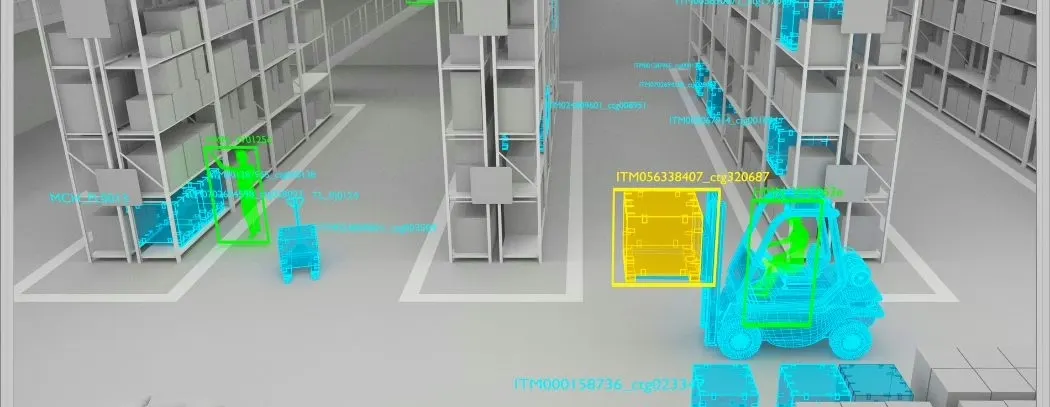
Basic motion alerts on a phone fire on headlights, rain and swaying trees, and most owners turn them off within a week. AI video analytics recognizes people and vehicles and applies rules you set, such as a person near the back door after close or a vehicle in the lot overnight. That turns your cameras into something that only taps you on the shoulder when it matters.
What small businesses should not automate
Automation should make the building safer, not just more convenient. A few things deserve a second thought:
- Unlocking the front door on a schedule when nobody might show up. On a snow day, a door that unlocks at 8 a.m. sits open to the street. Ask whether your system can hold the scheduled unlock until the first employee badges in, and review the schedule when hours change.
- One shared code for everyone. It is easy to set up and erases the record you were automating for.
- Doors that must follow fire and life safety rules. Each door is set to fail safe or fail secure based on fire code and how that door needs to behave, and that decision belongs in the design, not a quick schedule change.
How to start without overbuying
- Write down your real daily routine: who opens, who closes, which doors get used and when vendors arrive.
- Pick the two or three tasks that get missed most often. Those are your first automations.
- Give every person their own alarm code and remove any old shared code.
- Put access control on the doors that matter most, usually the main entrance and the employee entrance.
- Add camera rules after the doors and alarm are sorted, so alerts are tied to a routine you already trust.
Small business automation questions
Can I manage the schedules myself?
Yes. The systems we install let you add or remove people, change door schedules, unlock a door remotely and check entry history from a phone or computer. We show your team how to use it during setup.
Does automation work if the power goes out?
Access control systems are planned with battery backup power supplies, and each door is set to fail safe or fail secure based on fire code. We go over how each door will behave during the design.
What does it cost?
It depends on how many doors, sensors and cameras are involved. We do a free walkthrough and give you a written proposal with a clear price before any work starts.
Hand off the opening and closing routine
Tell us how your day runs and which steps get missed, and we will map what can run on its own. Call our Smyrna office at (615) 223-9600 for Mt. Juliet, Nashville and Middle Tennessee, or our Chattanooga office at (423) 344-3787. There is no long-term contract required.