Short answer: Often, yes, but not because the equipment is cheaper. An integrated security system designs cameras, access control, intrusion alarms, the network and remote video monitoring to work together, so they share cabling, network switches and one management platform. The savings come from building one network instead of several, paying one vendor to service it, managing it in one place and spending less time hunting for footage. They don't come from replacing equipment that still works, and an integration that is poorly planned can cost more to keep running than separate systems.
A lot of businesses end up with a camera system from one company, an alarm from another, door locks from a third and a network nobody planned for any of them. Each one may work fine alone. The cost shows up in the gaps between them.
What is an integrated security system?
An integrated system is planned as one design instead of separate projects. The usual pieces are:
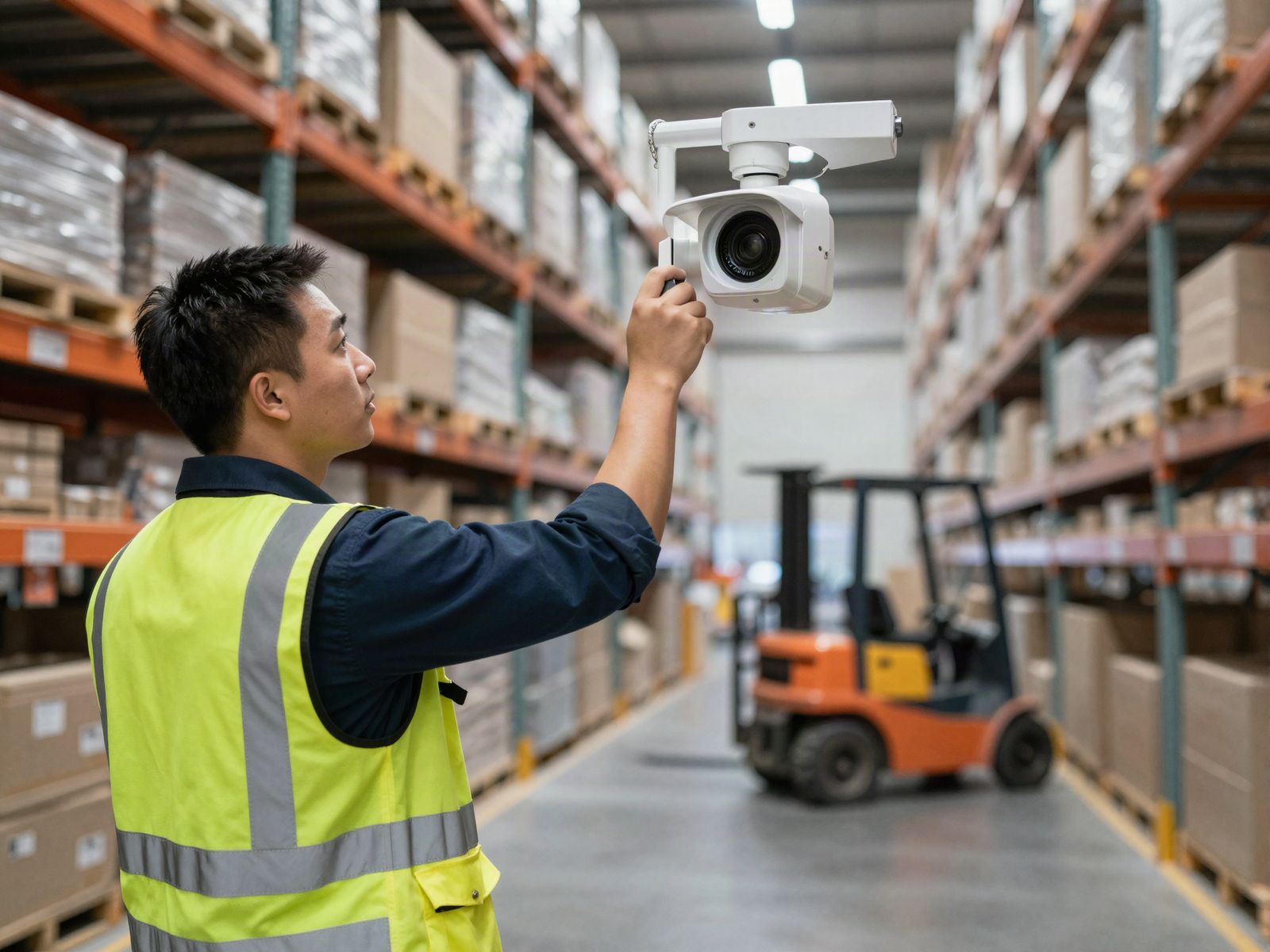
- Security cameras and the recorder or cloud video platform that stores footage.
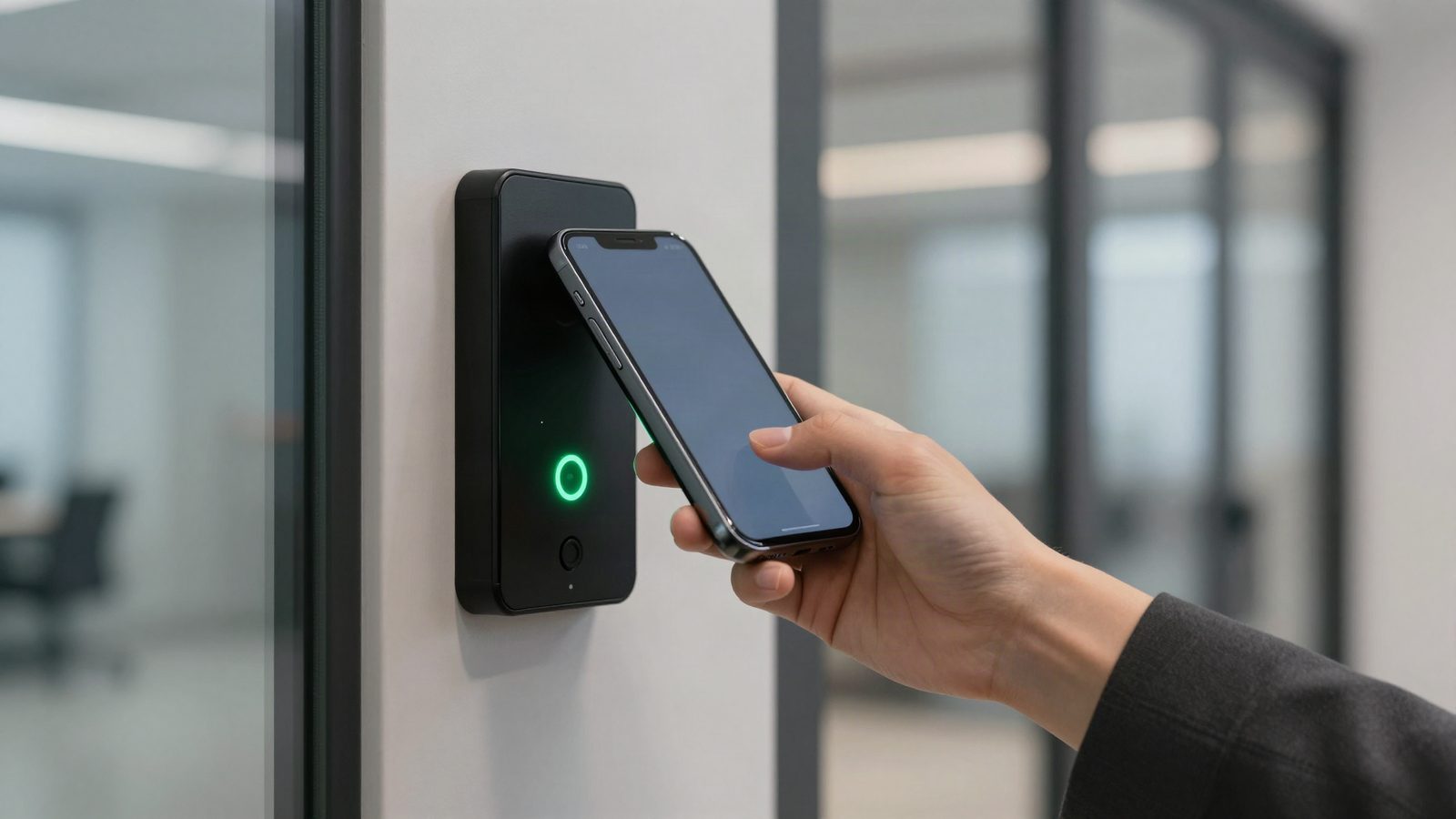
- Access control: card, fob or mobile credential readers, door controllers and the software that sets who can enter where and when.
- Intrusion alarm: door contacts, motion sensors and the alarm panel, with professional monitoring.
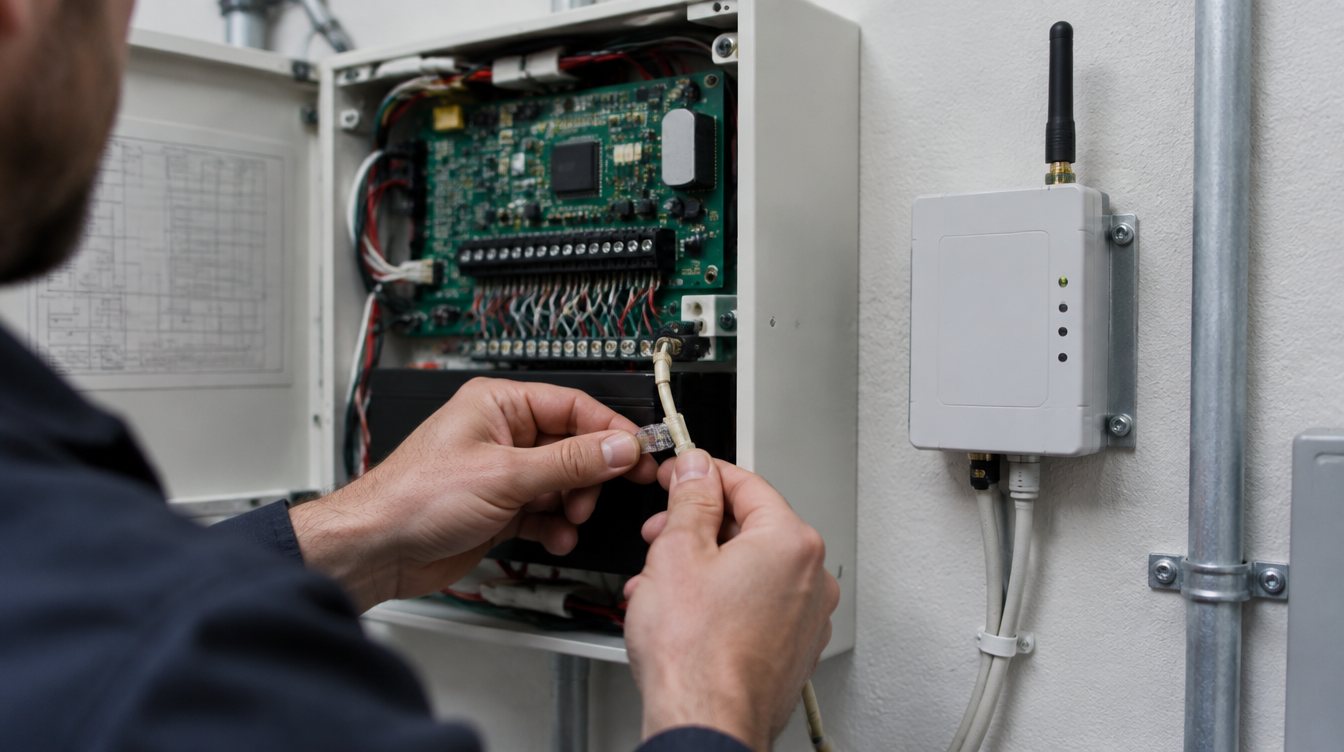
- The network: cabling, Power over Ethernet switches, fiber links to distant buildings and internet connections that the security devices ride on.
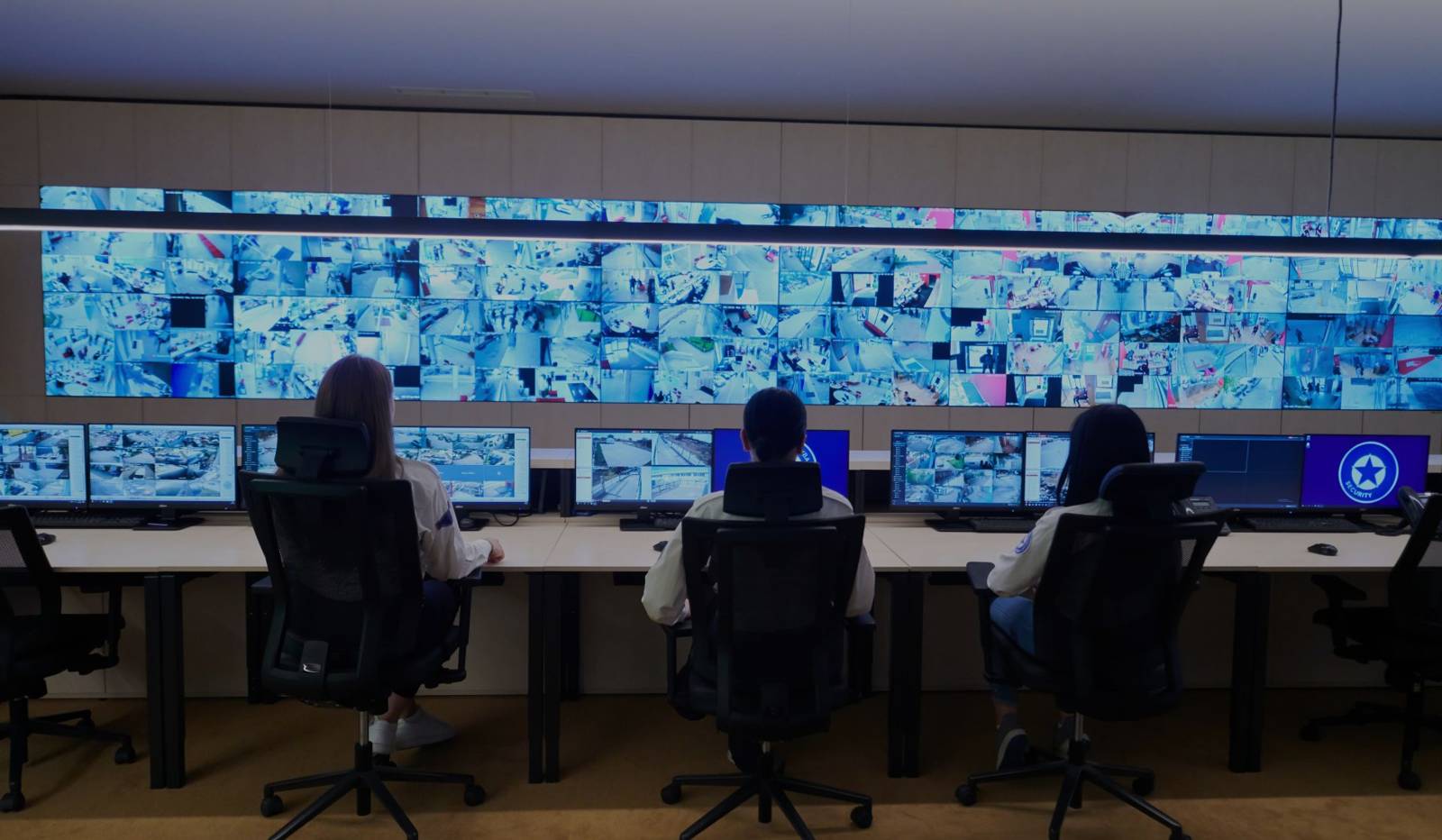
- Remote video monitoring: monitoring agents who watch live video when an event triggers, and can use live talk-down speakers to warn people off before they break in.
"Integrated" means these share information. A door event shows up with the matching video. An alarm comes with a live camera view. One person can add an employee, set their door access and see their badge history without logging into three systems.
What are the real benefits?
Footage tied to door events
This is the benefit most people notice first. When access control and video are connected, each door event (a badge read, a door forced open, a door held open too long) can be linked to the camera clip from that moment. Instead of scrolling hours of video, you click the event and watch what happened. Cloud platforms built to work together, such as Brivo access control and Eagle Eye Networks video, which Turner installs, can show door events inside the video viewer and video inside the access control system.
One place to manage people and permissions
A single interface means less duplicate data entry, simpler training and fewer passwords. When someone leaves the company, their access comes off in one place instead of two or three.
Shared network and cabling
Cameras, card readers, intercoms and speakers can share the same structured cabling, Power over Ethernet switches and backbone, including fiber runs to outbuildings and gates. Pulling and testing one network designed for all of them often takes less material and labor than separate installs by separate vendors. It also gives you one network to secure and keep updated.
Fewer vendors and fewer service calls
When one company installed and supports everything, there is far less finger pointing between the camera vendor, the alarm company and the IT provider. One service call can cover a camera, a door and the switch they both connect to.
Monitoring that can act, not just record
Remote video monitoring works best when agents can see the right cameras the moment a sensor or analytics event triggers. With live video monitoring, the goal is to spot a problem as it starts and warn people off with live talk-down, rather than only reviewing footage after the damage is done. That works better when cameras, alarm devices and the monitoring platform were set up to work together.
Where do the savings come from, and where don't they?
| Usually saves money | Usually doesn't save money |
|---|---|
| One cabling and network design instead of several | Replacing cameras or readers that still work just so everything matches |
| One vendor for installation, service and support | Expecting each device to cost less because it's part of a bigger system |
| Less time searching for footage after an incident | Cloud platforms with subscriptions you didn't budget for |
| Simpler onboarding and offboarding of employees | Integrations stitched together between systems that were never designed to talk |
| Fewer trips by separate technicians | A shared network that wasn't sized for video traffic and needs rework later |
Two cautions are worth spelling out:
- Ongoing costs are real. Cloud video, cloud access control and monitoring are typically subscription services. That can be a good trade for less on-site hardware and remote management, but it should be in the budget from day one.
- Loose integrations can cost more. When two systems from different makers are tied together with custom links, an update to one can break the connection to the other. That's why we prefer platforms designed to work together, with a clear upgrade path.
Turner competes on price, service and speed, and we'll show you a design that uses what makes sense from your current system. Every site is different, so we don't quote a percentage you'll save. A free assessment gives you real numbers to compare.
How do you phase in an integrated system with existing equipment?
You don't have to rip everything out. A phased approach usually looks like this:
- Inventory what you have. List every camera, recorder, reader, door controller, alarm panel and network switch, with age and condition. Note which devices are still supported by their maker.
- Pick the platform first. Choose the video and access control platforms you'll build on. Many cloud video platforms support standards based IP cameras (for example, ONVIF Profile S cameras), and some offer bridges that bring existing analog cameras online, so working cameras can often stay.
- Fix the network. Plan the cabling, switches, power and fiber links the full system will need, even if you only use part of it at first. Getting this right early prevents rework.
- Connect the highest value doors and cameras. Start with entrances, loading docks and areas where incidents happen. Tie those door events to video first.
- Replace equipment as it ages out. Swap end of life cameras, readers and panels on a schedule instead of all at once.
- Add monitoring and analytics. Once cameras and sensors report to one platform, add remote video monitoring or AI video analytics where they make sense.
If your current provider has you locked into equipment or contracts, our guide on switching security providers covers what to check before you change. Turner doesn't require long-term contracts.
FAQ
Can my existing cameras work in an integrated system?
Often, yes. Many IP cameras that follow common standards can be added to cloud video platforms, and some analog cameras can be connected through a bridge device. We'll check your models during the assessment and tell you which ones can stay.
Do I have to replace my alarm system to integrate it?
Not always. Many alarm panels can share events with video and monitoring platforms. If your panel is old, unsupported or relies on a copper phone line, replacing it may make sense as part of the plan.
Is integrated security only for large companies?
No. A small office with a few doors and cameras gets the same benefits: one app, one vendor and video tied to door events. The system is simply smaller.
Should my security devices share the same network as my office computers?
They can share the physical cabling and switches, but security devices are usually kept on their own separate network segment for security and performance. Your installer and IT provider should agree on the design.
See what an integrated design would look like
Turner Security designs commercial security systems as one system: security cameras, access control, alarms, the network and remote video monitoring. Request a free security assessment and we'll review what you have, what can stay and what an integrated plan would cost to phase in.