Short answer: Security systems help a business recover from a disaster in three ways. Before it, they keep running on backup power and store video off site. During it, they report fire and intrusion and let you see the building from your phone. After it, they show what happened for the insurance claim and keep a damaged building controlled while crews are coming and going.
Middle Tennessee and the Chattanooga area see tornadoes, flash floods and ice storms, and any business can have a fire. Turner Security has served businesses here since 1976. This is how we think about a security system's job across a disaster.
Before: set the system up to survive
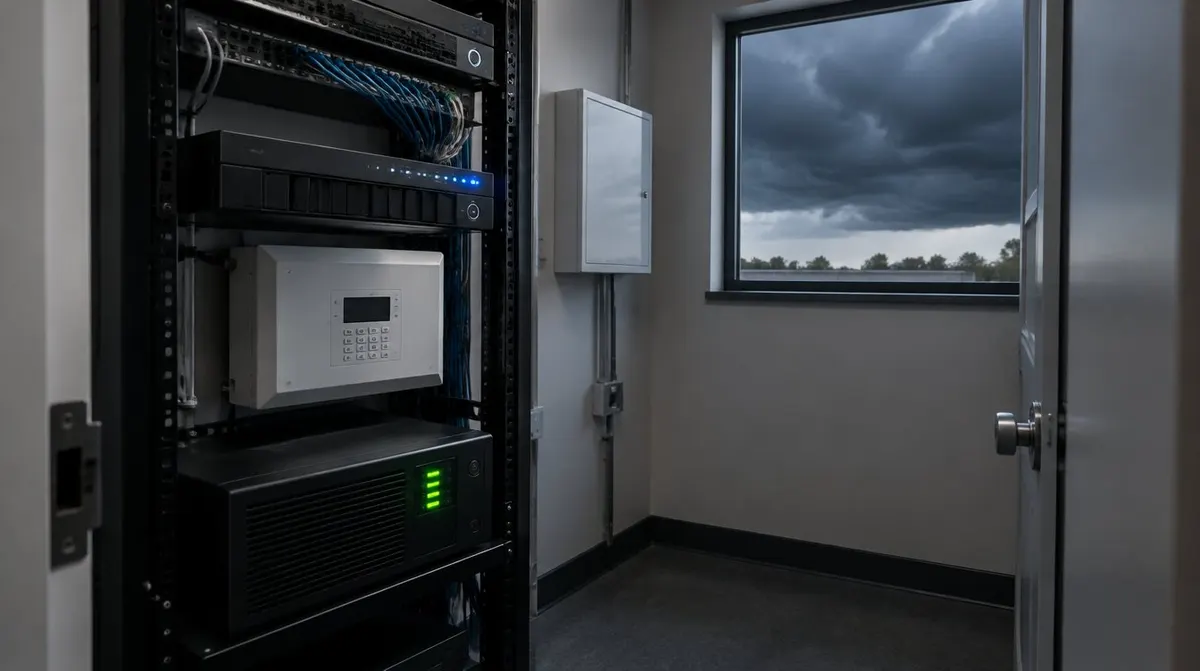
- Backup power. Alarm and fire panels have batteries, but the camera recorder, network switch and access control panel often don't. A battery backup (UPS) on that equipment keeps video and doors working through a short outage.
- Video stored off site. If the only copy of your footage is on a recorder in the building, a flood or fire can destroy the evidence you need. Cloud or off-site storage solves that.
- A current call list. Make sure the alarm and fire monitoring call list has people who will actually answer at 3 a.m.
- A record of normal. Clear camera views of inventory, equipment and the building's condition make it easier to show an insurer what was there before.
During: know what is happening without being there
- Fire alarm monitoring sends an alert for help as soon as smoke or heat is detected, even when the building is empty.
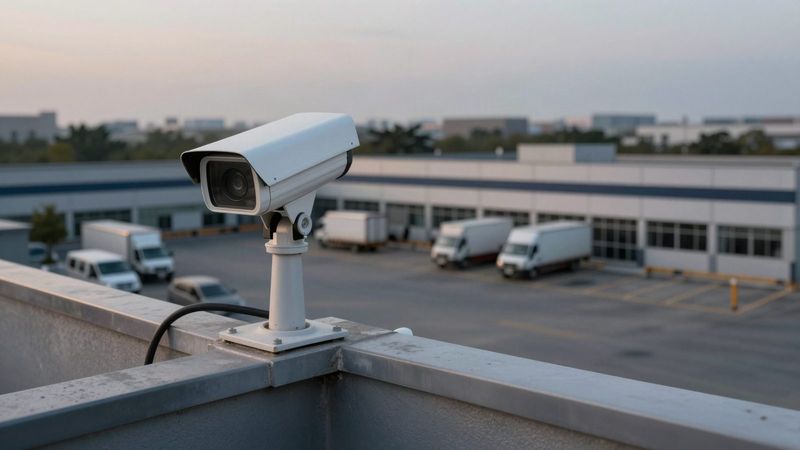
- Remote viewing lets owners check the site from a phone instead of driving into a storm.
- Door behavior during a power loss should be planned ahead of time, so exits stay usable and the building doesn't sit wide open.
- Live video monitoring can keep watch over a closed or damaged site where looting or trespassing is a risk.
After: get the business back open
- Check the building remotely first. Look for standing water, downed lines or people on site before you send employees in.
- Pull the footage. Save clips of the event and the damage for the insurance claim before they are overwritten.
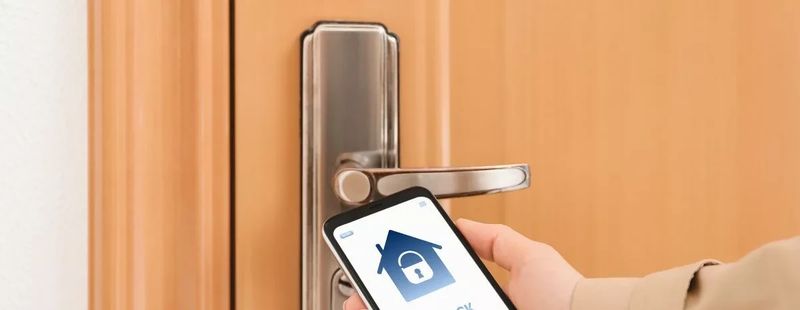
- Control who comes in. Restoration crews, adjusters and contractors will be in and out for weeks. Give them temporary credentials with set hours instead of handing out keys or a shared code.
- Inspect the system. Water, heat and power surges can damage panels, detectors and cameras. Have smoke detectors, notification devices and fire panels tested, and re-aim any cameras that were knocked out of position.
- Cover the gaps. If wiring or poles are down, a mobile camera system can watch the site until permanent equipment is restored.
Don't forget the data
Physical security is only half of continuity. If your servers, files and phones are in the same building, they need their own backup and recovery plan. Our sister company TechCore handles business IT, including servers, backup and business phone systems.
Frequently asked questions
Will my cameras work if the power goes out?
Only if the recorder, network equipment and cameras are on backup power, or the cameras store video until power returns. Many systems are not set up this way by default, so it is worth checking.
How fast can Turner come out after a storm?
We can often schedule service the same day you call, and our help desk can resolve many problems remotely before a truck is needed.
Does a disaster plan need a new system?
Usually not. Most of the steps above are changes to how an existing system is powered, stored and managed.
Review your system before the next storm
See our commercial fire protection and business security services, or request a free assessment and we'll check how your system would hold up.