Short answer: The real cost of security downtime is not the repair bill. It is the incident that lands in the gap: the break-in recorded by a camera that quit three weeks ago, or the door that sat unlocked all weekend because a reader lost power. Downtime is expensive because nobody notices it until the footage or the log is needed, so the fix is to catch failures early and shorten how long they last.
Why a quiet system is not proof of a working one
Most businesses judge their security by silence. No alarms, no complaints, so everything must be fine. That logic fails because the most common failures make no noise at all. A recorder's hard drive fills or fails and stops writing video. A camera loses its network connection after a switch is unplugged during an office remodel. A spider builds a web across a lens and the night image turns to glare. A door strike sticks and the door stops latching.
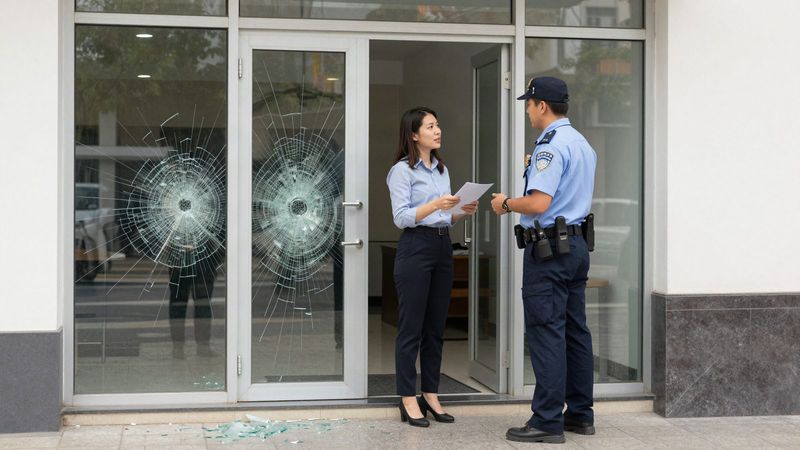
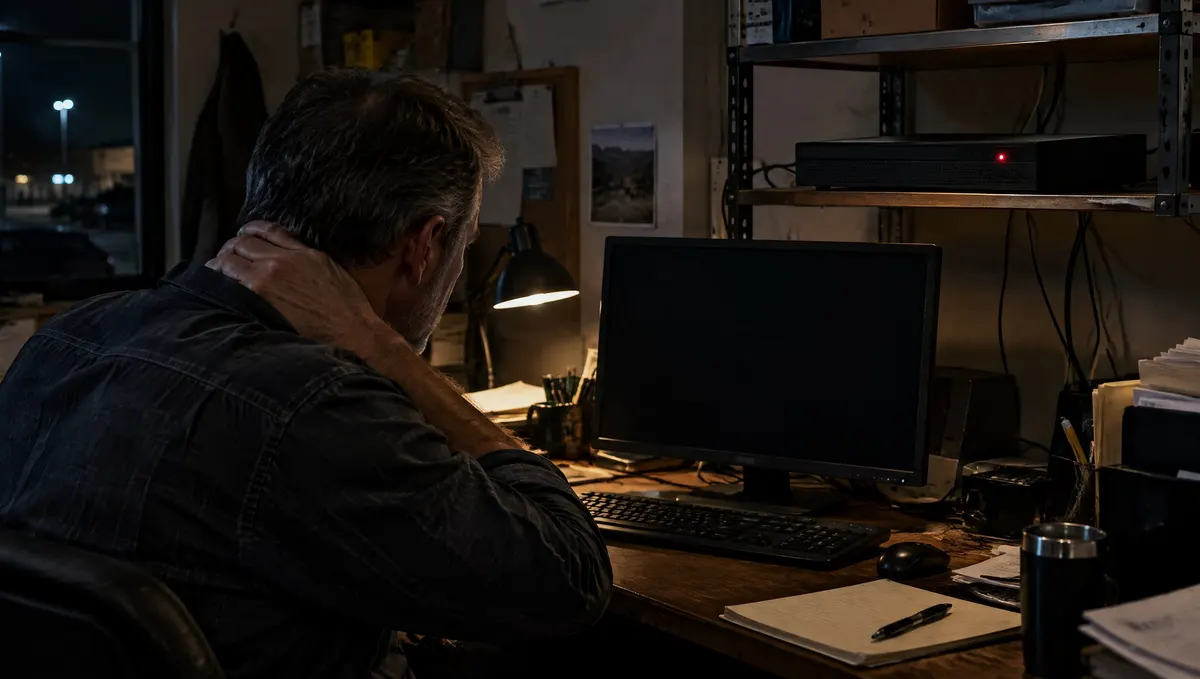
None of those trigger an alarm. The system looks normal on the wall monitor if anyone even checks it. The first sign is usually a manager pulling up video after a theft and finding a black tile, a frozen timestamp or a gap from the 4th to the 19th.
Where the cost actually shows up
Lost evidence
For a warehouse in La Vergne or a retail shop in Murfreesboro, the most direct cost is a loss you cannot prove. Without video, a police report has little to work with, an insurance claim is harder to support and an internal theft question stays unanswered.
Exposure you did not know you had
An access control reader that is offline may fail locked or fail unlocked depending on how the door is set up. If it fails unlocked, a side door into a stock room can stay open for days. If it fails locked, staff start propping the door, which creates the same problem with a doorstop.
Staff time and workarounds
When a system is flaky, people work around it. They share a code because the reader is unreliable, or they stop checking the camera app because it never loads. Those habits outlast the repair.
Waiting on service
The length of an outage depends heavily on how fast someone can look at it. A provider that takes two weeks to send a technician turns a five-minute fix into a two-week blind spot.
A 10-minute monthly downtime check
You do not need special software to find most silent failures. Once a month, have one person do this:
- Open every camera view, live, and confirm each one shows a clear picture day and night. Note any dark, blurry or blocked views.
- Play back one recording from about a week ago on each camera. This confirms the recorder is actually storing video, not just showing live images.
- Check how many days of video the recorder holds. If the oldest footage is much newer than it should be, storage may be failing.
- Walk every access controlled door and confirm it latches and locks on schedule.
- Pull the entry history for one door and confirm events are being logged.
- Write down what you found and who you called. A simple log makes patterns obvious.
How Turner Security shortens downtime
Turner Security works from offices in Smyrna and Chattanooga, and the service model is built around shrinking the time between a failure and a fix. When you call in a problem, our help desk can check on most camera and recorder problems remotely first. About 60% of service issues are resolved remotely before a truck rolls, which means many outages are fixed without waiting for a technician.
When a technician does need to come out, we can often schedule service the same day you call. For businesses whose systems were installed by someone else, we look at what is there and tell you what can be kept and serviced. Our page on switching security providers explains how that works, and our business security camera systems page covers how we size recording time and check existing cameras for blind spots.
FAQ
How do I know if my security cameras stopped recording?
Play back footage from several days ago on every camera, not just live video. Live views can work while recording has stopped. If playback is missing or the recorder holds far fewer days than expected, have the recorder and drives checked.
Can a security problem be fixed without a technician visit?
Often, yes. Many camera, recorder and connection problems can be diagnosed and corrected remotely. Turner's help desk tries that first and schedules a visit only when hardware needs hands on it.
What causes most security system downtime?
Common causes include failed recorder drives, network changes that disconnect cameras, power problems, dirty or misaimed lenses and worn door hardware. Most of them are found quickly with a routine check.
Report an outage or book a system check
If a camera, recorder or door at your business is down right now, or you are not sure your system is actually recording, call us and the help desk will start with a remote look. Smyrna and Middle Tennessee: (615) 223-9600. Chattanooga, Cleveland and North Georgia: (423) 344-3787. You can also submit a service request online.