Short answer: Video surveillance reduces liability mostly before anything goes wrong. Cameras placed on the spots where people slip, trip, get hit or wander where they should not let a manager catch a hazard while it can still be fixed, and a short daily routine with those views creates a record of how the property was kept. Fewer incidents means fewer claims, and the claims that do come in meet a business that can show its normal conditions.
This post is about prevention and documenting conditions. If a claim has already landed on your desk and you need to find, save and hand over footage, read our companion guide on using security footage after a liability claim instead.
Most liability starts with a condition, not a crime
Theft gets most of the attention when businesses buy cameras. Liability usually comes from something more ordinary: water tracked across a tile entry on a rainy morning, ice along the shaded side of a walkway, a pallet jack left in an aisle, a dock plate that was not set, a dark corner of the lot where a curb is hard to see. None of these is a security event, and a camera aimed only at the register or the cash office will never show them.
The first step is a different kind of walkthrough. Instead of asking where a thief would come in, ask where a customer, tenant, vendor or employee is most likely to get hurt, and whether any camera can see that spot today.
Hazard spots worth a camera view
- Entry floors and mats, especially at doors that face the weather
- Steps, ramps and the curb between the lot and the sidewalk
- Walkways that hold ice or standing water
- Loading docks, where trucks, forklifts and people share the same few feet
- Aisles and back halls where stock gets staged
- Roof hatches, mechanical rooms and yards where nobody should be without a reason
The view has to show the surface itself, not just the doorway above it. A camera mounted high over an entrance may show who came in and still miss the puddle they stepped in.
Catching the hazard while it can still be fixed
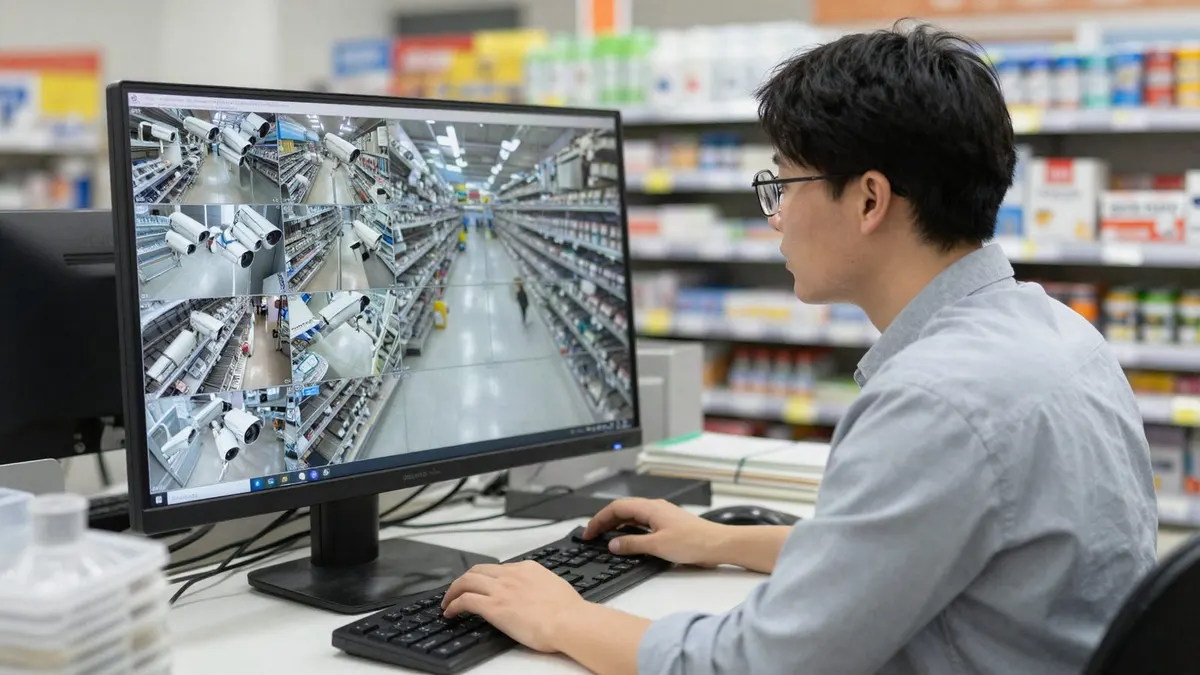
A camera that only gets watched after an injury is a recording device. Used during the day, the same view becomes an early warning. A manager in a Murfreesboro store can glance at the entry camera on a stormy morning and send someone with a mop and a wet floor sign before the lunch rush. A warehouse supervisor in La Vergne can check the dock camera at shift change and see a trailer that was never chocked.
Some of that checking can be handed to software. Turner Security adds AI video analytics to most existing camera systems through the Eagle Eye platform, with alerts such as a group lingering in a stairwell or parking area longer than a set time, or an overfilled dumpster area that is turning into a trip hazard and an eyesore. The value is that someone hears about it during the day, while it is still a maintenance task.
Building a record of normal conditions
When a claim arrives weeks later, one of the hardest questions to answer is what the property looked like that day. A simple routine makes the answer routine too:
- At opening, the manager on duty checks the entry, lot and dock camera views and notes anything that needs attention.
- When a hazard is found, the fix is logged with the time, and the camera view shows the cleanup or the sign going up.
- After storms, ice or a delivery that blocks an aisle, the same check happens again.
- Recording time is set long enough that ordinary days are still on the system when a late complaint shows up. Turner sizes each system for the length of time you need to keep video.
This is ordinary housekeeping with a camera attached. It also shows your team that conditions are being watched, which tends to keep mats straight and aisles clear.
Keeping people out of places they can get hurt
A trespasser who climbs equipment in a yard at night, or a visitor who wanders into a mechanical room, is a safety problem before it is anything else. Commercial access control keeps roof access, mechanical rooms and stock areas limited to the people who belong there, and logs every entry by person and time. Outdoors, live video monitoring puts an agent on the yard or lot after hours who can tell someone through an on-site speaker that they are on camera and need to leave, then call police and your contacts if they stay.
Using near misses to change the site
Most falls and dock incidents are preceded by close calls nobody reported. When a manager sees a customer catch their balance on the same step twice in a week, that clip is a reason to paint the edge, add a handrail or move a display. Reviewing near misses with staff, using footage of your own entry or dock, makes safety training specific to your building instead of generic.
What cameras do not do
A camera does not fix a hazard, and footage of a spill that sat for an hour shows exactly that. Video records what happened whichever way it goes, so the point is to act on what the cameras show, not just to own them. Your insurer and attorney remain the right people to ask what your business should keep and for how long.
FAQ
Where should a business put cameras to prevent liability claims?
Start with entry floors, steps and ramps, the sidewalk from the lot, loading docks and any area where people and equipment mix. The view should show the walking surface clearly, day and night. Our commercial security camera installation page explains how each view is planned.
Do I need new cameras to do this?
Often not. Many existing cameras can be re-aimed toward walking surfaces, and analytics can be added to most existing systems. A walkthrough shows which views are missing.
How is this different from using footage after a claim?
Prevention is about spotting and fixing conditions and keeping a routine record of them. Handling a claim is about finding, saving and exporting the right clip once someone has made one, which our companion guide linked at the top of this post covers.
Walk your property with a safety eye
Turner Security can walk your entries, lot, docks and yard with you, mark the hazard spots your cameras miss and set up a daily check your managers will actually use. Property managers can also see security for property managers for common areas. Call (615) 223-9600 for Smyrna, Nashville and Middle Tennessee, or (423) 344-3787 for Chattanooga and North Georgia.