Short answer: Most businesses don't lack security equipment. They lack visibility: nobody sees what the cameras and access system recorded until after something goes wrong, and nobody notices when a piece of the system quietly stops working. The fix is alerts that reach the right person, a short weekly review, health checks on the equipment and live monitoring for the hours when nobody is there.
After an incident, the story is often the same: nobody saw it coming. Usually the cameras were there. The footage simply wasn't being looked at, or the camera that mattered had stopped recording weeks earlier.
Signs you have a visibility problem
- You found out a camera wasn't recording only when you needed the video.
- You can't say who opened the back door last Saturday.
- Former employees or old vendors are still in the access system.
- Alerts come so often that everyone has muted them.
- Each location has a different system and a different login.
Coverage is not the same as control
A camera on every wall looks secure from the parking lot. But a camera with a dirty lens, a recorder with a full drive or an access panel with five-year-old permissions gives you the feeling of security without the record you need. Visibility means you know the system is working and you know what it is telling you.
What real visibility looks like
- Alerts that matter. Replace generic motion alerts with rules for real events. AI video analytics on the Eagle Eye platform can be added to most camera systems and set to flag loitering, after-hours vehicles or other exceptions you care about.
- Someone watching after hours. With live video monitoring, agents view your cameras in real time, speak through on-site speakers and call for help when needed.
- Clean access records. Cloud access control shows who opened which door and when, and lets you remove someone the day they leave.
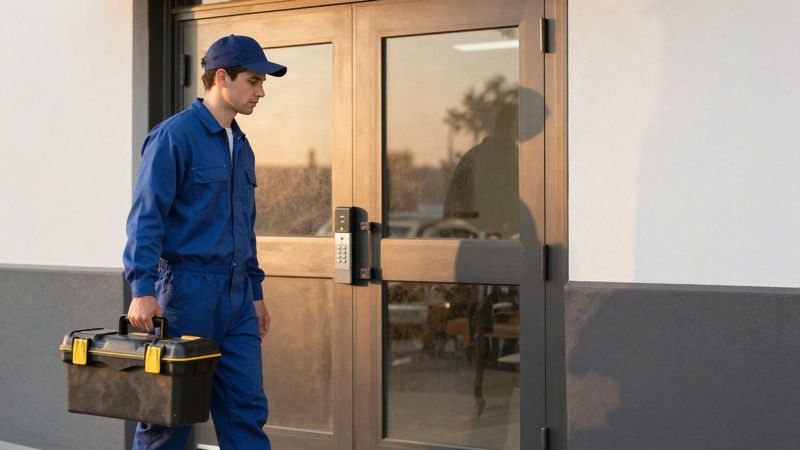
- Equipment health. Failures should be noticed in hours, not months. Turner's help desk resolves most service issues remotely, and we can often schedule a visit the same day you call.
A 15-minute weekly review
- Open every camera and confirm it shows a clear, current picture.
- Check the recorder or cloud account for gaps in recording.
- Scan the access log for after-hours entries and denied attempts.
- Remove anyone who has left or finished a project.
- Look at last week's alerts. If most were noise, adjust the rules.
Frequently asked questions
Do we need a new system to fix visibility?
Usually not. Most of the improvement comes from how the existing system is set up, monitored and reviewed.
Who should get alerts?
One or two people per location who can act on them, plus a monitoring center for after hours. Sending every alert to everyone is how alerts get ignored.
Can multiple locations be seen in one place?
Yes. Cloud video and cloud access control let an owner or manager see every location from one account. See our approach to multi-location and national accounts.
See what your system is missing
Request a free assessment and we'll check what your cameras and access system can actually show you today.